Quick Facts
- 2026 Entry Budget: $700–$1,000 for a solid 1080p high-refresh experience.
- Average Build Time: First-timers typically require 3–8 hours, while experts finish in under 2 hours.
- Key 2026 Standard: ATX 3.1 is the new baseline for stable power delivery to next-generation GPUs.
- Ease of Assembly: Rated 3/10 (Simple) due to keyed connectors and modular component design.
- Practice Method: Use a pc builder simulator to master the layout before touching physical hardware.
- Future-Proofing: Focus on DDR5 memory architecture and PCIe 5.0 support for long-term ROI.
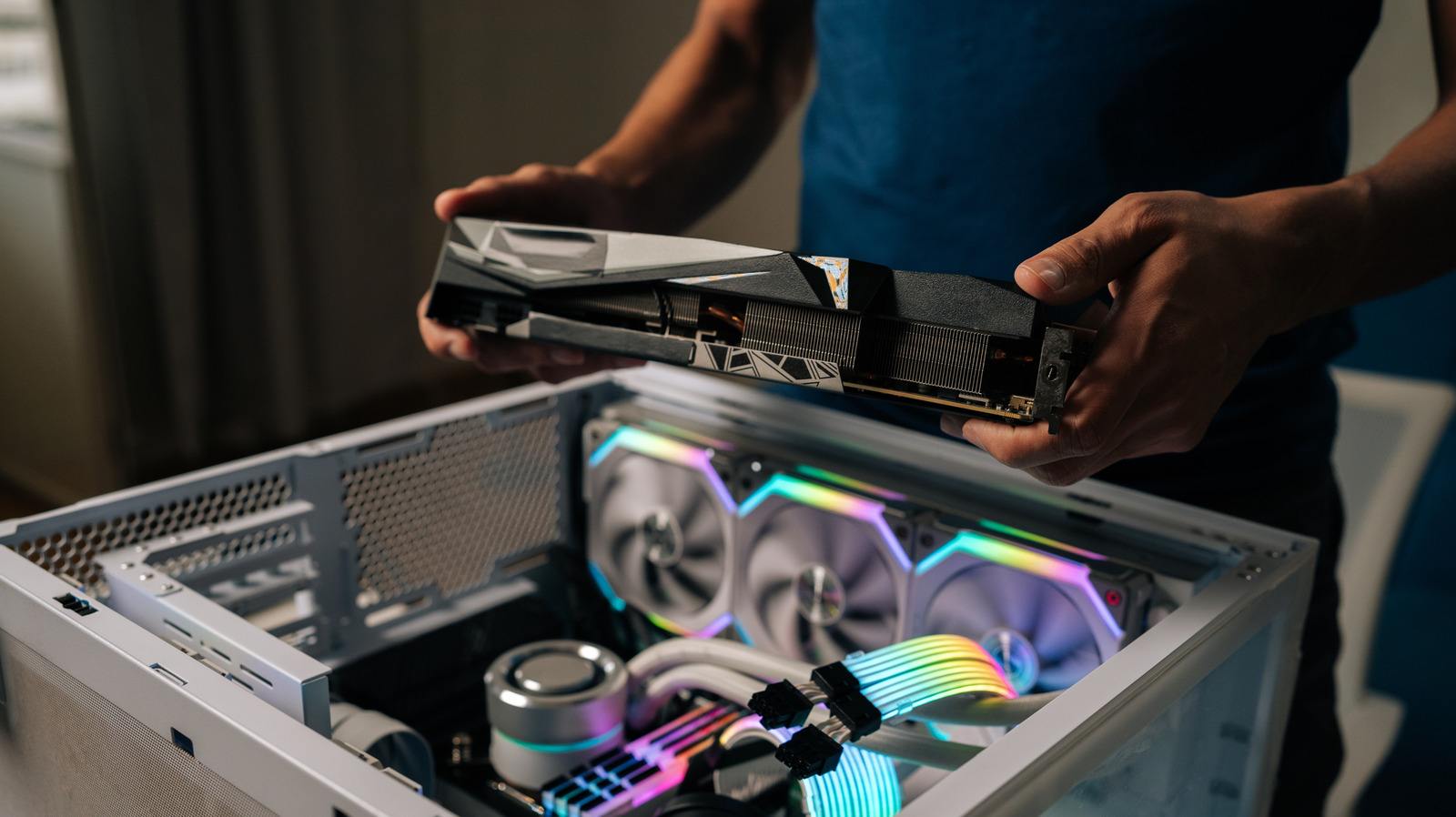
Pc building in 2026 is simpler than many expect thanks to standardized sockets and keyed connectors that prevent incorrect installation. Modern hardware is designed for modularity, making it easier for beginners to assemble a custom gaming desktop using basic tools and follow-along guides. Digital pc building simulators also allow new builders to practice virtually before handling physical components.
The 2026 Myth-Busting: Why it's Easier Than You Think
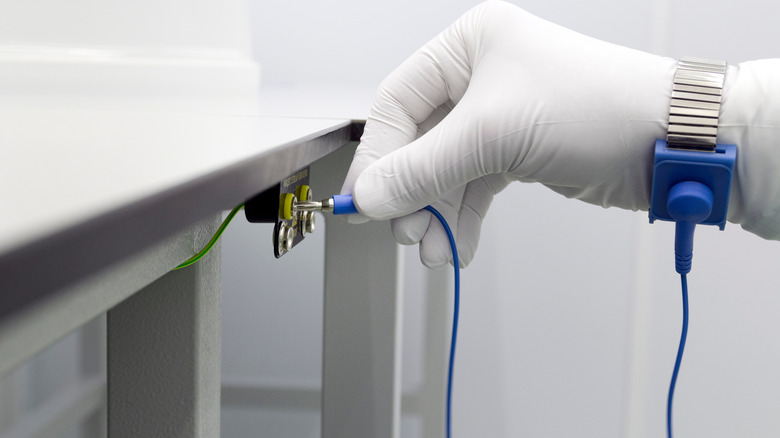
Over the years as an editor, I have heard every excuse in the book for avoiding a custom build. The most common refrain is the fear of "frying the motherboard" with a single touch. Let me set the record straight: while electrostatic discharge protection is important, modern components are surprisingly resilient. Most builders can safely ground themsleves simply by touching the metal chassis of the case or wearing an inexpensive anti-static wrist strap. The days of wearing a hazmat suit to install a CPU are long gone.
Another barrier is the sheer complexity of the wiring. People ask me all the time, how hard is it to build a gaming pc? My answer is always the same: if you can follow a LEGO instruction manual, you can build a computer. In 2026, manufacturers have perfected keyed connectors. This means a cable will physically not fit into a slot where it does not belong. Whether it is the EPS power cable or the front-panel headers, the hardware itself acts as a safeguard against user error.
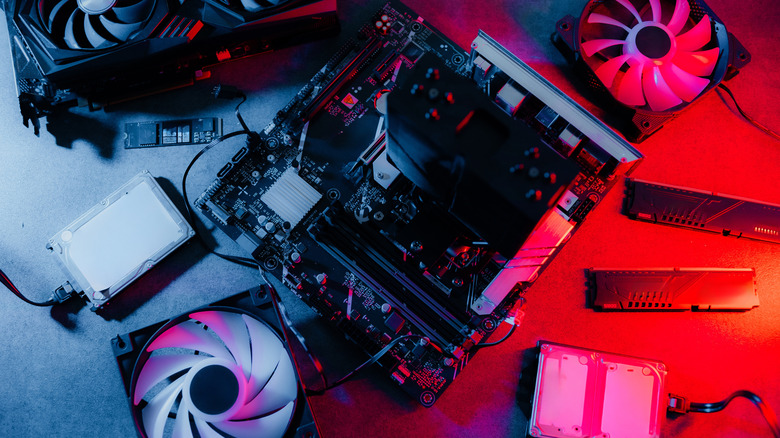
If you are still feeling jittery, the software landscape has evolved to help you. Using pc building software or a high-fidelity pc builder simulator allows you to walk through the entire assembly process in a 3D environment. These tools, such as pc building 3d environments, provide a risk-free way to understand where the motherboard standoffs go or how to navigate crowded cable management channels. The global custom PC builder market was valued at approximately $1,488 million in 2024 and is projected to reach $2,254 million by 2032. This growth is largely driven by the fact that the "intimidation factor" is vanishing.
Persona-Based Planning: Matching Components to 2026 Standards
Before you buy a single screw, you need a blueprint. In 2026, the hardware landscape is defined by a few non-negotiables. We have fully transitioned into the era of DDR5 memory architecture, and older DDR4 standards are now relegated to the bargain bins. When building a pc for gaming, your budget largely dictates your resolution target, but your choice of "foundation" components determines how long the system will last.
For those looking into building a pc vs buying prebuilt 2026, the primary advantage is parts quality. Most prebuilts skimp on the power supply or the motherboard's VRMs. When you do it yourself, you ensure hardware compatibility across the board. For the 2026 enthusiast, I recommend focusing on the ATX 3.1 power standard. This is crucial for the RTX 50-series and beyond, as these cards utilize 12V-2x6 connectors that require stable, high-wattage delivery without the need for messy adapters.
- The Casual Gamer ($700–$1,000): Focuses on 1080p performance with an emphasis on a high-airflow case and a mid-range NVMe drive.
- The AAA Enthusiast ($1,900–$2,500): Targets 1440p or light 4K gaming, prioritizing PCIe lane distribution to ensure the GPU and primary M.2 drive aren't fighting for bandwidth.
- The Content Creator ($3,500+): Maximizes future-proofing hardware with massive thread counts, 64GB+ of DDR5, and multi-slot GPU support for rendering.
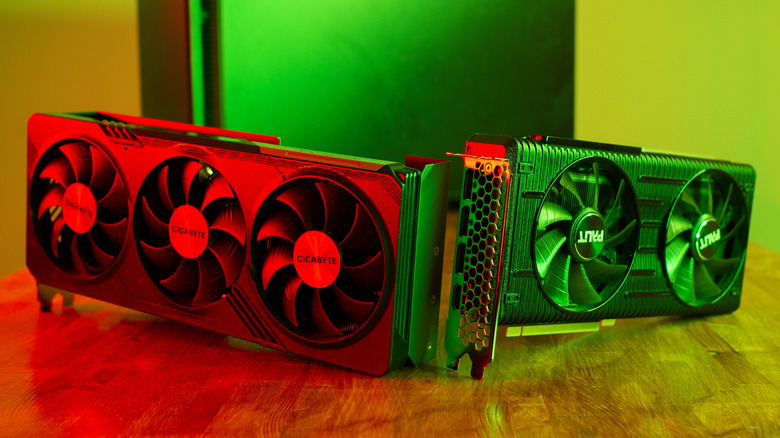
Regardless of your tier, always verify your cooling clearances. A common mistake in pc building for beginners 2026 is buying a massive triple-fan GPU only to realize it hits the front intake fans of a compact case.
Logistics & Preparation: The Essential Toolkit
Technically, you only need a single Phillips #2 screwdriver to build a modern PC, but a little extra preparation goes a long way. A magnetic tip is a lifesaver when you are trying to drop a tiny M.2 screw into a socket nestled between a massive heat sink and the top of the case. I also suggest keeping a small tube of high-quality thermal paste on hand, even if your cooler comes with a pre-applied patch. Precise thermal paste application can often shave 3-5 degrees Celsius off your peak temperatures.
Your workspace is just as important as your tools. You need a flat, non-conductive surface—a large wooden dining table is perfect. Avoid building on carpet at all costs to minimize the risk of a static event. If this is your first time using a custom pc building guide 2026, remember that timing is everything. While an experienced enthusiast can complete a full assembly in under two hours, you should clear your schedule for a full afternoon.
| Skill Level | Estimated Time | Focus Area |
|---|---|---|
| Complete Novice | 5 – 8 Hours | Reading manuals, double-checking cable orientations. |
| Intermediate | 3 – 5 Hours | Tidy cable management and BIOS optimization. |
| Pro / Editor | 1.5 – 2 Hours | Speed and advanced thermal testing. |
Pro-Tip: Always perform an "out-of-box" post test. Place your motherboard on its cardboard box, install the CPU, RAM, and GPU, and connect the power supply. Short the power pins with a screwdriver to see if it boots to the BIOS. It is much easier to troubleshoot a dead component now than after you have spent two hours on cable management inside a cramped chassis.

The "First Hour": After the Scariest Part is Over
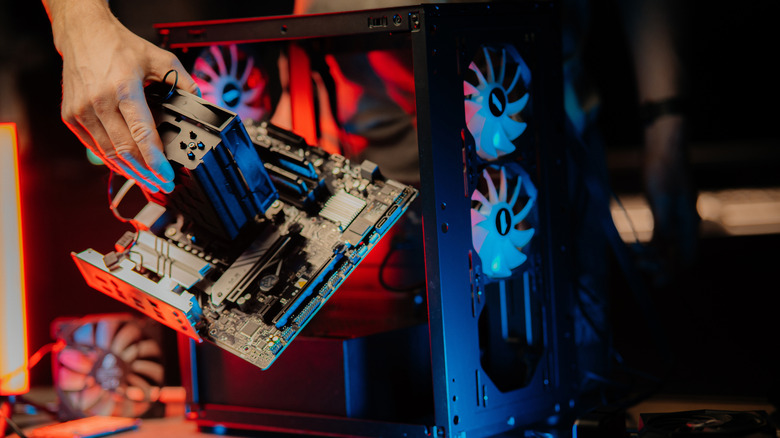
Once the last side panel is screwed on, the physical assembly of pc building is done, but the system isn't "alive" yet. The first hour of software setup is where your hardware truly begins to shine. When you first hit that power button, you are looking for the POST (Power-On Self-Test). If your motherboard lights up and shows a logo on the screen, congratulations—you've done the hard part.
The next step is the BIOS configuration. In 2026, most motherboards feature an "EZ Mode" that lets you enable XMP or EXPO profiles with a single click. This is essential for ensuring your DDR5 memory is actually running at its rated speed rather than the slower JEDEC baseline. Following this, you will need a 16GB USB drive to install Windows 11.
The First Hour Checklist:
- Update the BIOS to the latest version to ensure stability with the newest CPUs.
- Enable Resizable BAR in the BIOS settings for a significant boost in GPU performance.
- Install the latest chipset and GPU drivers directly from the manufacturer's website.
- Run a 15-minute loop of Cinebench or AIDA64 for component benchmarking and thermal validation.
Warning: Never mix cables from different modular power supply units, even if they are from the same brand. The pinouts on the PSU side are not standardized and using the wrong cable can cause an immediate electrical short that destroys your storage drives or motherboard.
FAQ
Is building a PC worth it anymore?
Absolutely. While prebuilt systems have improved, building your own allows you to control the quality of every single component, from the capacitors in the power supply to the latency of the RAM. It typically results in a quieter, cooler, and more reliable machine that is significantly easier to upgrade in the future.
Is $1000 dollars enough to build a PC?
Yes, $1,000 is currently the "sweet spot" for 1080p and entry-level 1440p gaming. At this price point, you can afford a modern mid-range CPU, 16GB or 32GB of DDR5 memory, and a GPU that supports the latest upscaling technologies to ensure smooth frame rates in triple-A titles.
What's the best site to build a PC?
PCPartPicker remains the gold standard for verifying hardware compatibility and tracking prices across multiple retailers. For those who want a more visual experience, using a dedicated pc builder simulator on Steam can help you visualize the aesthetics and physical layout before you make a purchase.
How long will a $2000 PC last?
A $2,000 investment in 2026 should provide a top-tier gaming experience for 4 to 6 years. Because you are choosing high-quality parts with modern standards like PCIe 5.0 and ATX 3.1, you will likely only need a simple GPU upgrade halfway through its lifespan to keep it at the cutting edge.
Is it possible to build a gaming PC for $500?
It is possible, but it requires compromises. At the $500 level, you are often looking at previous-generation hardware or relying heavily on the used market. While it can outperform a budget laptop, you may miss out on long-term features like high-speed NVMe Gen5 support or the latest DDR5 memory architecture.