Quick Facts
- Patch Date: December 5, 2025
- Vulnerabilities Fixed: 107 separate security flaws
- Severity Rating: Critical (CVSS score of 9.8 for specific components)
- Affected Versions: Devices running Android 13, 14, 15, and 16
- Primary Threats: Remote code execution, zero-click exploits, and privilege escalation
- Critical CVEs: CVE-2025-48633 and CVE-2025-48572
- Recommendation: Immediate manual check for updates via System Settings
The December 2025 Android security update addresses 107 vulnerabilities across the Android Framework, System, and Kernel. Key fixes include patches for critical zero-day flaws like CVE-2025-48633 and CVE-2025-48572, which affect devices running Android 13 through 16. These patches are vital to prevent unauthorized data access and persistent malware installation.
The Critical Threat: Why Experts are Sounding the Alarm
As someone who spends every day testing the latest mobile hardware, I often tell my readers that the most important feature of your phone isn't the megapixel count or the screen brightness—it’s the security architecture keeping your personal life private. This month, the stakes have shifted significantly. Security researchers have identified a massive wave of vulnerabilities that bypass the standard protections we rely on.
A single monthly Android security update in late 2025 patched 107 vulnerabilities, including two high-severity zero-day flaws that were already under limited, targeted exploitation. The term zero-day is particularly chilling in the mobile world because it means hackers found and used these holes before Google had a chance to fix them. Specifically, CVE-2025-48633 and CVE-2025-48572 have been linked to activities by Advanced Persistent Threat groups like APT41. These groups don't just want your credit card number; they are often after deep system access.
The most dangerous aspect of these flaws is the potential for zero-click attacks. Unlike traditional phishing where you have to click a suspicious link, a zero-click exploit can infect a device through a background process or a hidden message without any user interaction. This is the same delivery method used by commercial spyware such as Pegasus to compromise the phones of high-profile targets. By exploiting android framework security vulnerabilities, attackers can achieve a sandbox bypass, effectively jumping over the digital walls meant to keep apps isolated from your core system files. This leads to cve-2025-48572 android privilege escalation, where a basic app suddenly gains the keys to the entire kingdom.

Who Is Affected? Scope of the December 2025 Patch
The reach of this update is extensive, covering everything from the latest flagship handsets to mid-range tablets. If your device is running Android 13, 14, 15, or the early builds of Android 16, you are in the splash zone. However, the hardware inside your phone also determines which specific patches you need. This month’s release includes critical firmware integrity fixes for components from Qualcomm, MediaTek, Arm, and Unisoc.
While those on newer versions of the OS have a clear path to safety, there is a growing "vulnerability gap" in the mobile landscape. Experts estimate that over one billion active Android devices are currently vulnerable to cyber threats because they have fallen out of the official security support cycle.
This creates a tiered system of security. If you are using an older device, you might be part of the more than 40% of all active Android smartphones running version 12 or older, which are no longer supported by Google with critical system-level security fixes. For these users, the danger of ignoring android security update notifications is essentially a permanent state of risk, as the core vulnerabilities in the kernel and system-level permissions will never be patched.
How to Verify Your Protection: 12-01 vs 12-05 Levels
When you check your phone’s settings, you might see two different dates for the security patch level. Understanding the difference is crucial for knowing if your specific hardware is actually safe. Google releases these in two waves to give manufacturers flexibility, but for total protection, you want the latter date.
| Patch Level | Scope of Coverage | Number of Fixes |
|---|---|---|
| 2025-12-01 | Focuses on the Android Framework and System components. | 51 vulnerabilities addressed. |
| 2025-12-05 | Includes all previous fixes plus Kernel and hardware-specific patches. | All 107 vulnerabilities addressed. |
To see where you stand, go to your Settings menu, tap on About Phone, and look for Software Information. You are looking for the Security Patch Level. If your phone shows a date earlier than December 2025, you are still running with the vulnerabilities exposed. Because of the way the mobile threat landscape evolves, having the 12-01 level is better than nothing, but the 12-05 level is the only way to ensure that the hardware drivers for your specific processor are secured against remote denial-of-service attacks.
Manual Android Software Update Steps & Requirements
Most phones will eventually ping you with a notification, but waiting for the OTA (Over-The-Air) pipeline can be risky, especially if you have a carrier-locked device. Carriers often perform their own testing, which can delay these critical patches by weeks. I recommend performing a manual check as soon as you hear about a major release.
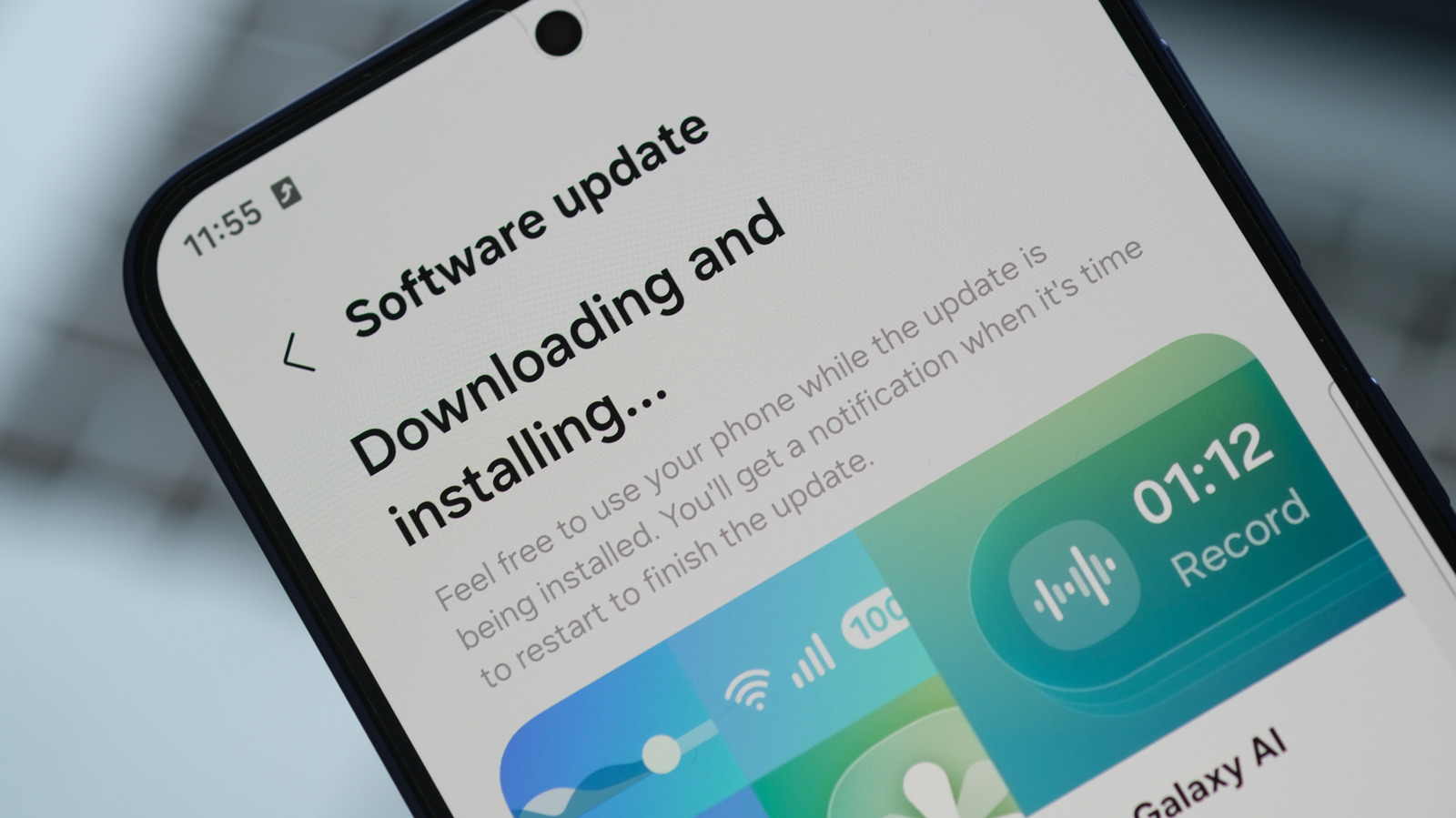
To perform a manual android software update steps, follow this path:
- Open your Settings app.
- Scroll down and select Software Update or System.
- Tap on Check for Updates or Download and Install.
Before you start the update, run through this quick checklist to ensure the installation doesn't fail midway, which could potentially corrupt your firmware:
- Battery: Ensure you have at least 50% charge, or keep the device plugged into a charger.
- Connection: Use a stable Wi-Fi network. Some of these patches can be over 1GB in size, and a dropped cellular connection can cause issues.
- Storage: Clear out at least 4GB of space. Even if the update is small, Android needs extra room to unpack the files and verify the system integrity during the reboot process.
If you follow these steps and your phone says "System is up to date" but still shows an old patch month, it means your manufacturer or carrier hasn't released it for your specific model yet. In this case, your best defense is to be extra cautious with the apps you download and avoid clicking links in unsolicited text messages until the patch arrives.
FAQ
Why are Android security updates important?
These updates act as a digital shield for your personal information. While feature updates add new emojis or interface changes, security updates fix the invisible holes in the code that hackers use to steal passwords, monitor your location, or access your photos. Without them, your phone is essentially an open door to any sophisticated attacker.
What happens if I don't install a security update?
If you skip an update, the vulnerabilities remain on your device indefinitely. Over time, hackers write automated scripts to scan for unpatched phones. This puts you at a higher risk for identity theft, ransomware that locks your files, or silent spyware that records your calls and messages without you ever knowing your device was compromised.
How do I manually install an Android security patch?
Open your device Settings, navigate to the System or Software Update section, and tap on the option to check for updates. If a patch is available, your phone will prompt you to download and install it. Make sure you are connected to Wi-Fi and have enough battery life before starting the process.
How do I check for Android security updates?
You can verify your current status by going to Settings, selecting About Phone, and then tapping on Software Information. Look for the line labeled Android Security Patch Level. This date tells you exactly how current your protections are; if the date is several months old, your phone is likely missing important fixes.
Do security updates slow down Android phones?
Generally, no. Modern security patches are designed to be lightweight and focus on fixing code errors rather than changing how the system performs. While a major OS upgrade (like moving from Android 14 to 15) might impact performance on older hardware, monthly security patches typically have no noticeable effect on your phone's speed or battery life.
The reality of our connected world is that mobile threats are always evolving. Staying on top of the december 2025 android security patch highlights isn't just for tech enthusiasts—it’s a necessary part of digital hygiene for everyone. Take five minutes today to verify your security patch level and ensure your data remains where it belongs: in your hands.