Quick Facts
- Target Count: Approximately 200 iOS users were notified by Meta after being targeted by malicious versions of the app.
- Threat Actor: The campaign is linked to SIO Spa, an Italian surveillance firm, via its subsidiary Asigint.
- Malware Name: The embedded code is identified by security researchers as Spyrtacus.
- Primary Risk: High-level data exfiltration, including the ability to record audio, capture video, and bypass messaging security via UI cloning.
- Attack Vector: Sophisticated social engineering using carrier phishing links disguised as legitimate mobile provider updates.
- Official Solution: Users must uninstall any version not sourced from the Apple App Store and clear unauthorized configuration profiles.
To identify fake WhatsApp spyware, check the developer name in the App Store to ensure it matches the official Meta platform. Authentic WhatsApp apps are only distributed through official app stores; any version requiring third-party installation or side-loading on iPhone via carrier links likely contains malicious SIO surveillance software.
The SIO Incident: How Government-Grade Spyware Hits Your iPhone
Mobile security is often a game of cat and mouse, but the recent discovery involving SIO surveillance software represents a significant shift in how commercial surveillance vendors target everyday devices. In a recent security sweep, the Meta security team identified a targeted campaign where approximately 200 users, primarily located in Italy, were served a counterfeit version of the popular messaging app.
This was not a simple phishing attempt but a sophisticated deployment of government-grade tools. The malware involved, known as Spyrtacus, is part of a family of surveillance software designed for lawful interception. While these tools are ostensibly created for law enforcement use, their appearance in the wild suggests a broader risk of privacy violation for private citizens. Security researchers have traced 13 different samples of this malware family back to 2019, proving that this is a mature and evolving threat.
What makes SIO spyware particularly dangerous is its business model. This isn't just a one-off hack; it is part of the growing Surveillance-as-a-Service industry. Some reports suggest these tools can be licensed for as little as €150/day, making high-level data exfiltration accessible to various entities beyond traditional state intelligence. On an iPhone, where we typically trust the sandbox environment, Spyrtacus works by tricking the user into granting permissions that allow it to exfiltrate contact lists, chat histories, and even record audio through the microphone or capture video via the camera without any visible notification.
Social Engineering: How Fake WhatsApp Links Reach You
The most impressive—and terrifying—part of the SIO campaign isn't just the code; it’s the social engineering used to get the app onto your device. Unlike traditional malware that might come from a shady website, this campaign utilized iPhone phishing protection vulnerabilities through carrier-assisted phishing.
Users would receive an SMS or email that appeared to come from their mobile service provider. In Italy, these messages frequently impersonated major brands like TIM, Vodafone, and WINDTRE. The messages claimed the user needed to update their app or re-authenticate their account to maintain service. By clicking the link, the user was directed to a professional-looking landing page that guided them through the process of installing a special version of the app.
This bypasses the usual messaging security we rely on. While WhatsApp uses end-to-end encryption to protect messages in transit, a fake app captures the data at the user interface level. This UI cloning technique means the spyware sees exactly what you see on your screen before the encryption is even applied. Because the link appears to come from a trusted carrier, many users let their guard down, leading to the installation of a malicious app package that the official App Store never vetted.
Checklist: Is Your WhatsApp Official or a Fake?
If you are worried about your device's integrity, we have put together a guide on how to tell if whatsapp is real or fake on iphone. Because the iPhone handles app permissions differently than Android, identifying the signs your iphone has fake whatsapp spyware requires a bit of digging into your settings and the app itself.
Step 1: Verify the Installation Source
The golden rule of iPhone security is that official apps only come from the App Store. If you ever followed a link to a website to "side-load" an app or install a "configuration profile" to get a specific version of WhatsApp, you are likely running a counterfeit version.
Step 2: Check WhatsApp Developer Name on App Store
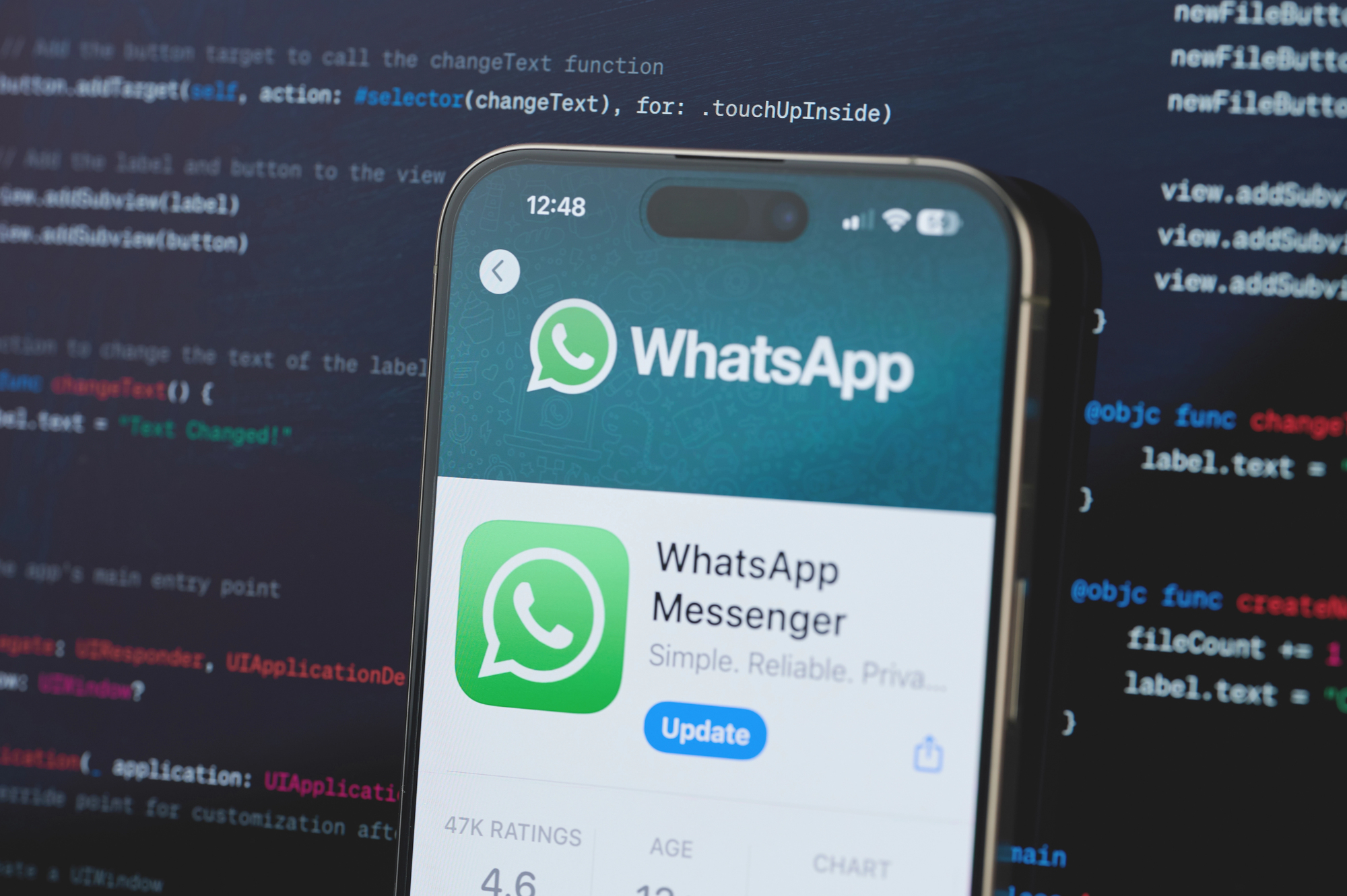
Search for WhatsApp in the App Store. If the app you have installed does not show an "Open" button but instead shows a "Get" or "Cloud" icon, the version on your phone did not come from the official source. The developer must be listed as WhatsApp Inc. or Meta.
Step 3: Inspect Your iOS Configuration Profiles
Go to Settings > General > VPN & Device Management. In a standard setup, this section should be empty unless you use a work-managed device or a VPN. If you see profiles related to mobile carriers or "certificates" that you don't recognize, this is a major red flag for SIO surveillance software.
Step 4: Monitor Device Behavior
While sophisticated mobile malware tries to stay hidden, high-level data exfiltration often leaves clues. Look for:
- Sudden, unexplained battery drain.
- The device feeling hot even when not in use.
- The green or orange "recording" dot appearing in the iOS status bar when you aren't actively using the camera or mic.
| Feature | Official WhatsApp | Spyware Clone (Spyrtacus) |
|---|---|---|
| Download Source | Apple App Store Only | SMS Links, Carrier Websites |
| Developer | WhatsApp Inc. / Meta | Third-party or "Enterprise" |
| Installation Method | Standard App Store Install | Configuration Profiles / Side-loading |
| Data Privacy | End-to-End Encrypted | UI Cloning & Exfiltration |
| Permissions | Requested via System Pop-ups | Often bypasses or requests "Management" |
Remediation: How to Remove SIO Spyware from iPhone
If you suspect you are a victim of this campaign or if WhatsApp notifies you about spyware through an official in-app message, you must take immediate action. The goal is to completely sever the connection between your device and the commercial surveillance vendors.
To effectively know how to remove sio spyware from iphone, you cannot simply delete the icon from your home screen. First, go to Settings > General > VPN & Device Management and remove any unauthorized configuration profiles. These profiles are often what allow the spyware to persist and communicate with its command-and-control servers.
Once the profiles are gone, delete the suspicious application entirely. To restore your privacy, use the safe way to update whatsapp on iphone by opening the App Store, searching for the official app, and downloading it directly. In cases of government-grade infections, the Meta security team often forces a logout on the compromised account. If you find yourself suddenly logged out, do not use a link from a text message to log back in. Instead, use the official app to re-verify your phone number.
Finally, consider enabling Lockdown Mode in your iOS settings if you believe you are in a high-risk group for targeted surveillance. While it limits some phone features, it provides a massive boost to iPhone phishing protection by blocking most message attachments and complex web technologies that these spyware packages use to gain a foothold.
FAQ
How do I know if my WhatsApp is being monitored?
You should look for signs like unexpected logouts, as the Meta security team often terminates sessions on compromised devices. Additionally, check for unusual background activity, such as high data usage or the iOS recording indicators (green/orange dots) appearing when the app is closed.
Can spyware be installed on WhatsApp remotely?
While "zero-click" exploits exist for high-value targets, most users are targeted via social engineering. In the SIO incident, users had to be tricked into clicking a whatsapp carrier phishing link protection and manually installing a malicious app package disguised as a carrier update.
What are the signs of spyware on a mobile device?
Common indicators include rapid battery depletion, the device running unusually hot, and seeing unknown configuration profiles in your iPhone settings. You might also notice your contacts receiving strange messages from you that you didn't send.
How can I stop someone from spying on my WhatsApp?
The best defense is to only download the app from the official Apple App Store and enable two-step verification within the WhatsApp settings. Never click on links sent via SMS that claim you need to update your app, even if they appear to come from your mobile provider.
Is it possible to detect spyware on iPhone or Android?
Yes, you can detect it by checking the app's developer information and searching for unauthorized device management profiles in your settings. On Android, you can also check the "Install unknown apps" permission list to see if any browser or messaging app has the right to install third-party software.