Quick Facts
- The Glitch Date: May 28, 2025, which appeared on many users' login logs incorrectly.
- The Cause: A technical Ring backend update error resulting in a visual interface anomaly.
- Risk Level: Generally low for those seeing only the May 28 date discrepancy.
- Mandatory Security: Multi-factor authentication (MFA) has been a requirement for all accounts since 2020.
- Primary Tool: The Amazon Control Center within the app for device session management.
- Key Identifier: Use the MAC ID to verify specific hardware against your history logs.
Have you noticed Ring unauthorized logins dated May 28? Many users recently discovered unfamiliar entries in their account logs, sparking fears of a breach. However, this is likely a Ring login history glitch caused by a backend update rather than a hack. Here is what is happening and how to secure your account.
Many Ring users reported seeing unfamiliar login entries dated May 28, 2025. Ring has confirmed this was a visual bug caused by a backend update rather than a security breach. The glitch caused previous, authorized login sessions from older devices to be incorrectly re-labeled with the May 28 timestamp in the Ring Control Center.
The May 28 Glitch: Bug vs. Hack
When you check your home security logs, the last thing you want to see is a list of unknown devices accessing your feed. In July 2025, a wave of concern hit the smart home community when hundreds of users noticed suspicious activity in their account history. Specifically, entries appeared showing logins on May 28, 2025, even for users who hadn't added new devices in months.
This specific Ring login history glitch is what we call a visual interface anomaly. During a routine server-side maintenance period, a Ring backend update error caused the system to refresh the metadata of previously authorized sessions. Instead of keeping their original login dates, these sessions were overwritten with the May 28 timestamp.
The distinction between a bug and a hack is vital for your peace of mind. A hack usually involves new, unrecognized IP addresses or geographical locations. In this case, the login timestamp discrepancy affected existing, legitimate sessions that were already part of your smart doorbell ecosystem. Ring officially addressed the issue, confirming that no user data was compromised during this incident. It was essentially a database "hiccup" where the display logic failed, but the underlying account security remained intact.
How to Perform a Ring Account Security Check
Even with the reassurance of a visual bug, every smart home owner should know how to perform a routine Ring account security check. This process ensures that your privacy remains protected and that you have a clear view of who (or what) is connected to your cameras.
To start your review, follow these steps within the app:
- Open the Ring app and tap the three lines in the top-left corner to open the side menu.
- Select Control Center from the list.
- Scroll down to find the Authorized Client Devices section.
- Tap on Manage to see a full list of every phone, tablet, or computer currently logged into your account.
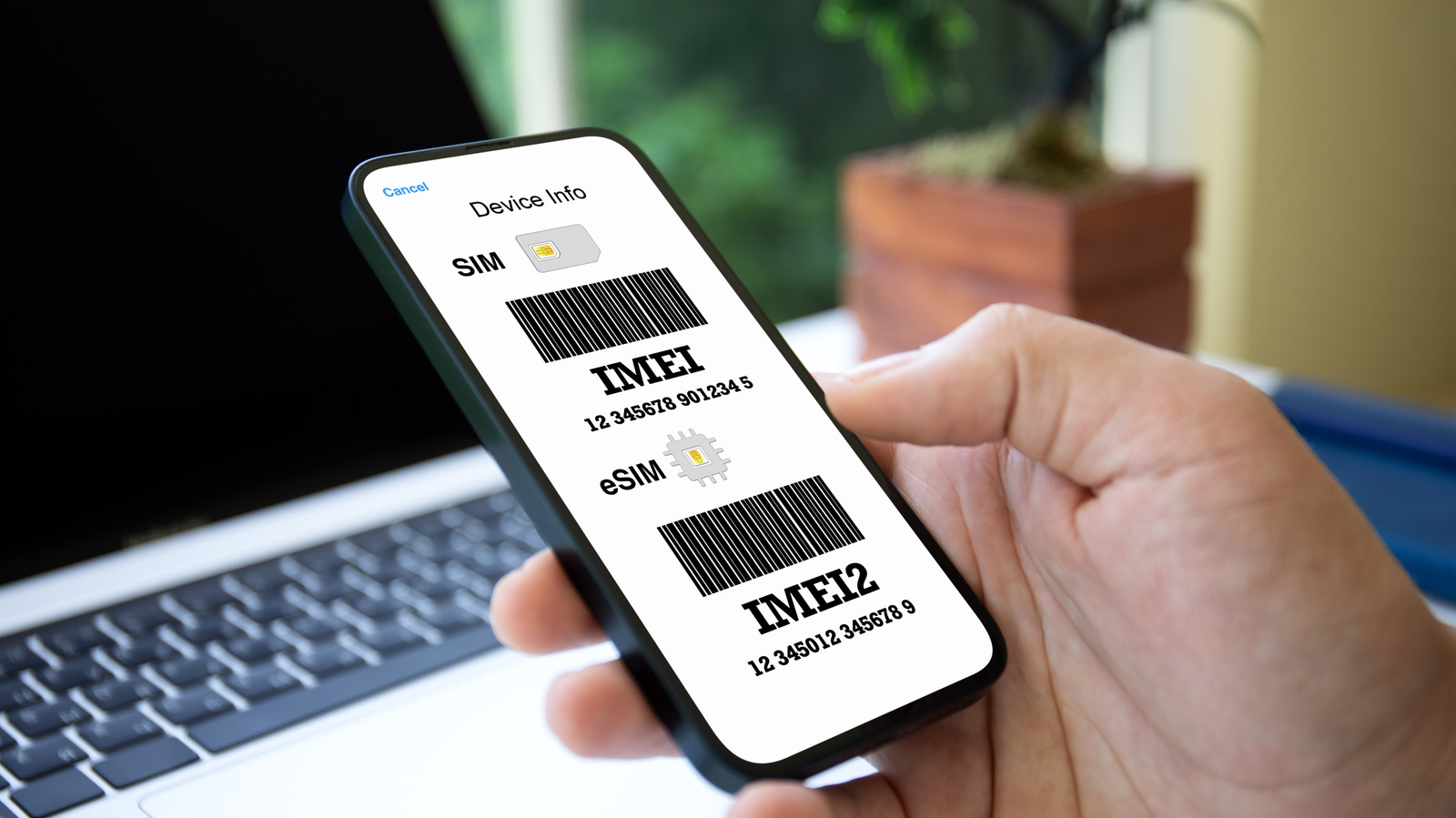
When reviewing your account access logs, don't panic if you see a device name you don't recognize immediately, such as "iPhone" or "Android Device." Look for the date and the MAC ID if available. If the date is the infamous May 28, it is likely the glitch. However, if you see a login from a city you’ve never visited or a device type you don't own, that is a red flag.
It is also important to distinguish between "Shared Users" and client devices. A shared user is someone you have specifically invited to view your cameras via their own account. Client devices are the actual hardware units logged directly into your primary account. If you find too many old phones or tablets listed, it's a good practice to clean them out.
Signs Your Ring Account Has Been Compromised
While the recent Ring login history glitch was harmless, Ring unauthorized logins have been a reality in the past. Understanding the history of these issues helps us stay vigilant. For example, in 2019, researchers found that the credentials of 3,672 Ring camera owners were exposed online due to credential stuffing attacks from unrelated data breaches.
Furthermore, a 2023 complaint revealed that vulnerabilities allowed hackers to access the videos of approximately 55,000 U.S. Ring customers. Because of this history, you should never ignore signs your Ring account has been compromised.
Common red flags include:
- Receiving emails about a password change or email update that you didn't initiate.
- Your camera's light turning on or the "Two-Way Talk" feature activating without your input.
- Settings, such as Motion Zones or Privacy Zones, being deleted or modified.
- New, unknown devices appearing in your authorized sessions with recent, non-glitch dates.
If you notice these signs, you must treat it as a cybersecurity incident response. This means acting quickly to lock down your identity and your home's digital perimeter to ensure identity theft prevention.
How to Remove Unauthorized Users and Devices
If you discover a device in your list that shouldn't be there, or if you simply want to start fresh after the Ring camera login history date error fix, the Control Center is your best friend. Ring provides a "nuclear option" that is highly effective for clearing out unwanted access.
Go to Control Center > Authorized Client Devices and look for the option to Remove All Devices. By selecting this, you will be signed out on every single device except the one currently in your hand. This is the most effective way of removing unauthorized users from Ring camera accounts because it forces everyone to re-authenticate.
Expert Tip: Changing your password is a great step, but if a hacker has already established a "session" on their device, some apps won't kick them out immediately. Always use the Sign Out of All Devices feature first, then change your password to a unique, strong string of characters.
After you have cleared the list, ensure that multi-factor authentication is set to its highest level. Most users now use SMS codes, but using an Authenticator App is even more secure against "SIM swapping" attacks. This adds a layer of device session management that is much harder for outsiders to bypass.
External Factors: VPNs and Smartwatches
Sometimes, what looks like Ring unauthorized logins is actually just your own technology working in the background. If you use a Virtual Private Network (VPN) on your smartphone, your login location might show up as a different state or even a different country. This is because the VPN masks your true IP address, causing the Ring app to log the location of the VPN server instead of your home.
Additionally, wearable tech like smartwatches can sometimes create "ghost" sessions. If you have the Ring app integrated with an Apple Watch or a Samsung Galaxy Watch, these devices may appear as separate authorized client devices in your logs. Because these devices often update in the background, their "Last Accessed" time might refresh at odd hours of the night.
Lastly, be aware of how your phone’s operating system interacts with security alerts. If you have "Focus Mode" or "Do Not Disturb" active on your iPhone, you might miss the immediate notification of a new login. It’s a good idea to check your app navigation settings to ensure that Ring alerts are "Time Sensitive" and can bypass your quiet hours.
FAQ
How do I know if someone else is logged into my Ring account?
The most reliable way is to check the Control Center in your Ring app. Navigate to Authorized Client Devices to see a list of every hardware unit with access. If you see a device type you don't own or a login from a geographical location you haven't visited (and you aren't using a VPN), someone else may be logged in.
Can someone hack my Ring camera without my knowledge?
While modern security measures like multi-factor authentication make this difficult, it is technically possible if your login credentials were stolen in a different data breach. However, most users would notice signs like changed settings, unexpected camera activity, or unfamiliar devices appearing in the account access logs.
What should I do if I receive a Ring unauthorized login notification?
First, do not click any links in the email, as it could be a phishing attempt. Instead, open the official Ring app on your phone, go to the Control Center, and select Sign Out of All Devices. Once that is done, change your password immediately and verify that your multi-factor authentication settings are active and directed to your current phone number.
How can I see the login history for my Ring device?
You can view active sessions by going to the Control Center and selecting Authorized Client Devices. This shows you which devices are currently authorized. For a deeper look at specific account changes, check the Account Management section within the Control Center to see recent updates to your email or security settings.
How do I remove unauthorized users from my Ring account?
To remove specific people, go to the Control Center and select Shared Users; from there, you can delete anyone you no longer want to have access. To remove unauthorized devices or "ghost" sessions, go to Authorized Client Devices and tap Remove or use the Remove All Devices option to clear the entire list.
What is the best way to secure a Ring account against hackers?
The absolute best defense is a combination of a unique, complex password used only for Ring and the use of an Authenticator App for multi-factor authentication. Additionally, regularly reviewing your Authorized Client Devices list and ensuring your primary email account is also secured with MFA will create a seamless and safe smart home experience.