Quick Facts
- Shipment Decline: Amazon's tablet shipments experienced a 49.5% decline in the first nine months of 2023, a trend that solidified their downfall by 2026.
- Hardware Bottleneck: Most budget models are still stuck with 3GB RAM and 60Hz displays, which cannot handle modern multitasking.
- Software Ceiling: Fire OS remains a restricted forked Android version that lacks native Google Play Services, creating a massive app gap.
- Charging Lag: Entry-level models still suffer from a 5-hour full charge cycle, significantly trailing behind modern fast-charging standards.
- Strategic Pivot: Amazon is moving away from budget hardware toward Project Kittyhawk, targeting a $400+ premium market with open-source Android.
- Best Value Alternative: The Samsung Galaxy Tab S10 Lite or a refurbished iPad currently offer far superior software longevity and display quality.
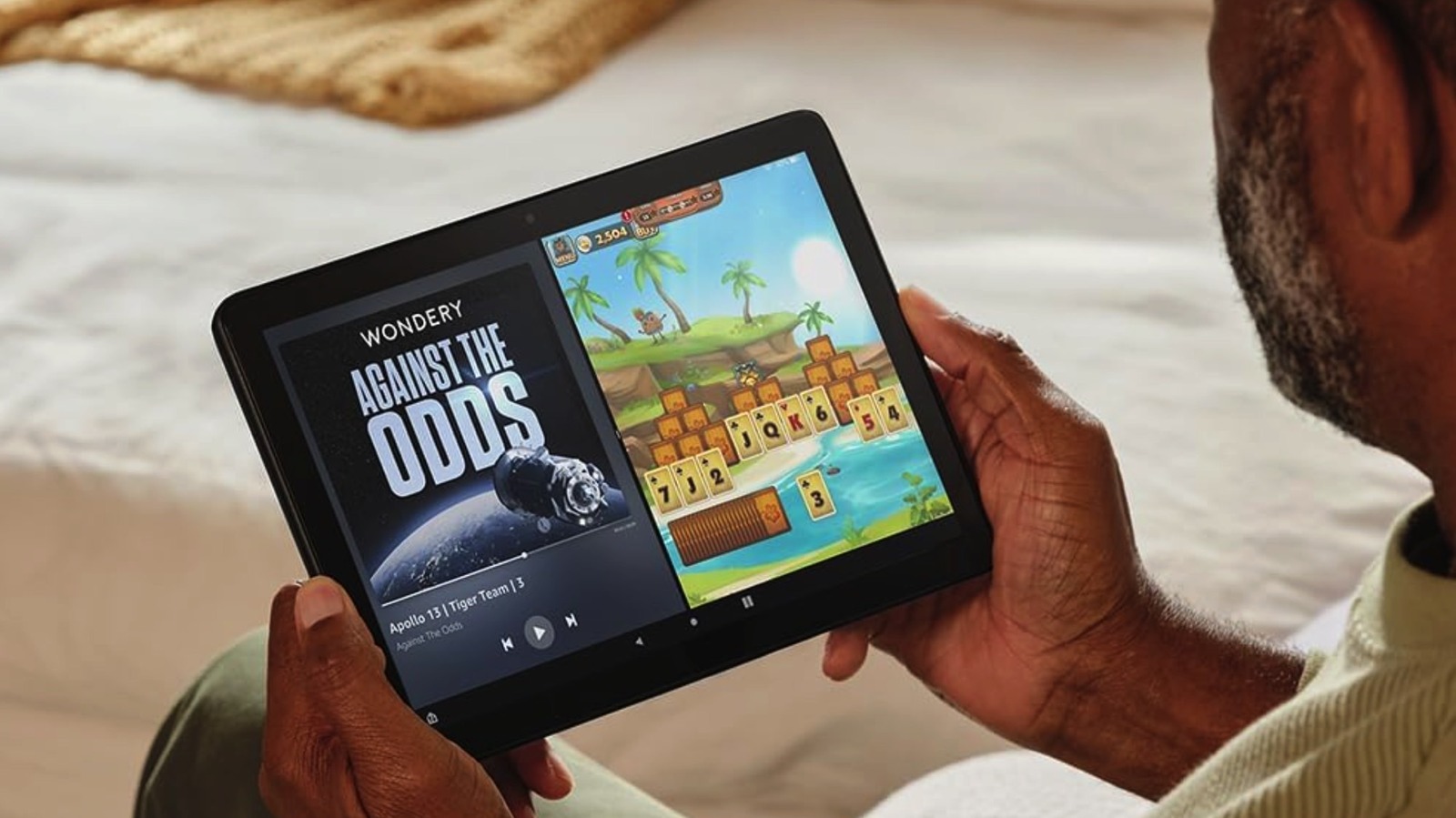
Amazon Fire tablet problems have reached a breaking point in 2026. The primary issues stem from Fire OS, a forked Android version that lacks native Google Play Store access and severely limits app compatibility. Users frequently report performance lag due to entry-level hardware, such as 3GB RAM in budget models, and a cluttered user interface designed primarily to push Amazon services rather than provide a smooth productivity experience.
The App Gap: Why Fire OS Limitations Killed the User Experience
For years, the value proposition of the Kindle Fire branding was simple: affordable hardware subsidized by Amazon’s ecosystem. However, by 2026, the friction of using a forked Android version has become untenable for the average user. Because Fire OS does not include Google Play Services, users are cut off from the official G-Suite, native YouTube apps, and a vast library of banking and high-performance gaming apps.
The Amazon Appstore has failed to keep pace with modern security and feature standards. Many popular apps are either outdated versions or entirely absent, forcing tech-savvy users into the tedious process of sideloading applications. While sideloading was once a viable workaround, modern security protocols in Android have made it increasingly difficult to keep these apps functional. Furthermore, the presence of ad-supported lockscreens and a UI that prioritizes Prime Video and Kindle sales over user-installed apps has turned the home screen into a digital billboard rather than a functional workspace.
Common Amazon Fire tablet problems 2026 often begin with the software itself. When a user tries to open a modern productivity app, the lack of background Google services often leads to crashes or limited functionality. For parents, the struggle of how to fix Fire OS app compatibility issues has become a weekly chore, as educational apps frequently require the Google Play Store for authentication and updates.

Hardware Stagnation: 3GB RAM in a 165Hz World
In my years of testing mobile devices, the hardware trajectory of the Fire tablet line is one of the most disappointing Case studies in the industry. While competitors have moved toward high-refresh-rate displays and efficient processors, Amazon stayed stagnant. The standard Fire HD 10 features a screen brightness of roughly 477 nits and a 60Hz refresh rate—specs that feel ancient compared to the 1600 nits and 165Hz panels found on mid-range tablets from Lenovo or Samsung.
The most glaring hardware stagnation is the insistence on 3GB RAM for base models. In 2026, mobile operating systems and web browsers are more memory-intensive than ever. This leads to chronic performance lag, where switching between a browser tab and a streaming app causes the tablet to stutter or reload entirely. Furthermore, the charging bottleneck is a major pain point; while most modern devices support 30W to 65W fast charging, budget Fire tablets can still take up to 5 hours to reach a full charge via their low-wattage inputs.
When looking for solutions for Amazon Fire tablet performance lag, the reality is that software optimization can only do so much when the processor is an entry-level MediaTek chip designed for 2022. The price-to-performance ratio, which once favored Amazon, has flipped. Today, even a base-model smartphone offers more computing power than the Fire HD 10.
Project Kittyhawk: Amazon’s Strategic Admission of Failure
The massive 49.5% drop in shipments served as a wake-up call for Amazon. Reports indicate the company is now moving toward Project Kittyhawk, a major pivot that signals the end of the Fire OS as we know it. This new initiative involves transitioning to an open-source version of Android that might finally bridge the app gap.
However, Project Kittyhawk also represents a shift in market philosophy. Amazon is reportedly targeting the premium segment, with Amazon project Kittyhawk high end tablet specs rumored to include Snapdragon processors and AMOLED display technology. These devices are expected to carry prices exceeding $400, directly competing with the iPad and Samsung’s S-series tablets. By moving toward higher-end hardware, Amazon is essentially admitting that the "budget-first" strategy of selling underpowered tablets to serve as storefronts is no longer sustainable in a market where consumers demand longevity and versatility.
Better Value: Best Alternatives to Fire Tablets in 2026
If you are currently looking for a tablet, the Amazon Fire tablet vs iPad performance gap has never been wider. While a Fire tablet might be cheaper upfront, its usable lifespan is significantly shorter. For those seeking the best budget Android tablets with Google Play Store 2026, the market has several strong contenders that offer full app support and better hardware.
| Feature | Amazon Fire HD 10 (2025/26) | Samsung Galaxy Tab S10 Lite | OnePlus Pad Go 2 | Refurbished iPad (10th Gen) |
|---|---|---|---|---|
| App Store | Amazon Appstore (Limited) | Google Play Store (Full) | Google Play Store (Full) | Apple App Store (Full) |
| RAM | 3GB | 6GB | 8GB | 4GB (Optimized) |
| Display | 60Hz LCD | 90Hz LCD | 120Hz LCD | 60Hz Retina |
| Charging | 15W (Slow) | 25W | 33W | 20W |
| Software Support | Limited / Ad-heavy | 4-7 Years of Updates | 3 Years of Updates | 5-7 Years of Updates |
The Samsung Galaxy Tab S10 Lite is arguably the best alternatives to Fire tablets because it provides a clean interface, a dedicated stylus for note-taking, and none of the ecosystem lock-in. For pure media consumption, a used iPad remains the gold standard, offering a superior screen and a much more robust resale value. When you compare the Amazon Fire HD 10 vs Samsung Galaxy Tab S10 Lite, the extra $50 to $100 spent on the Samsung device translates to years of additional usability and a frustration-free software experience.
FAQ
Why is my Fire tablet running so slow?
Most performance lag on Fire tablets is caused by the limited 3GB RAM and a processor that struggles to keep up with modern app demands. Additionally, Fire OS often has numerous Amazon services running in the background, which consumes precious system resources. Clearing your cache or limiting background processes can help, but the hardware itself is the primary bottleneck.
Why are my apps not opening on my Fire tablet?
This is one of the most common Amazon Fire tablet problems 2026. Because the device uses a forked Android version, many apps require Google Play Services to verify licenses or fetch data. If you have sideloaded an app, it may fail to open if the underlying Android version of Fire OS is too old to support the app's latest update.
What causes a Fire tablet to keep freezing?
Freezing is typically the result of memory exhaustion. When you attempt to multitask—such as having several browser tabs open while streaming music—the tablet runs out of available RAM. Ad-heavy websites are particularly taxing on the Fire HD 10’s hardware, often leading to a total system lock-up that requires a hard restart.
Why does my Fire tablet battery drain so quickly?
While the screen is the biggest battery consumer, constant background syncing with Amazon’s servers for "Special Offers" and system updates can also drain the battery. Additionally, as these devices age, the chemical health of the battery declines, and because Fire tablets lack advanced power management features found in more expensive tablets, the drain becomes more noticeable over time.
How can I fix Wi-Fi connection issues on my Fire tablet?
Wi-Fi issues are often related to the budget-grade network chips used in the tablet. First, ensure your tablet is not in a low-power mode, as this can throttle the wireless radio. If the problem persists, forget the network and reconnect, or try toggling the "Smart Suspend" feature in the battery settings, which can sometimes interfere with maintaining a steady connection.