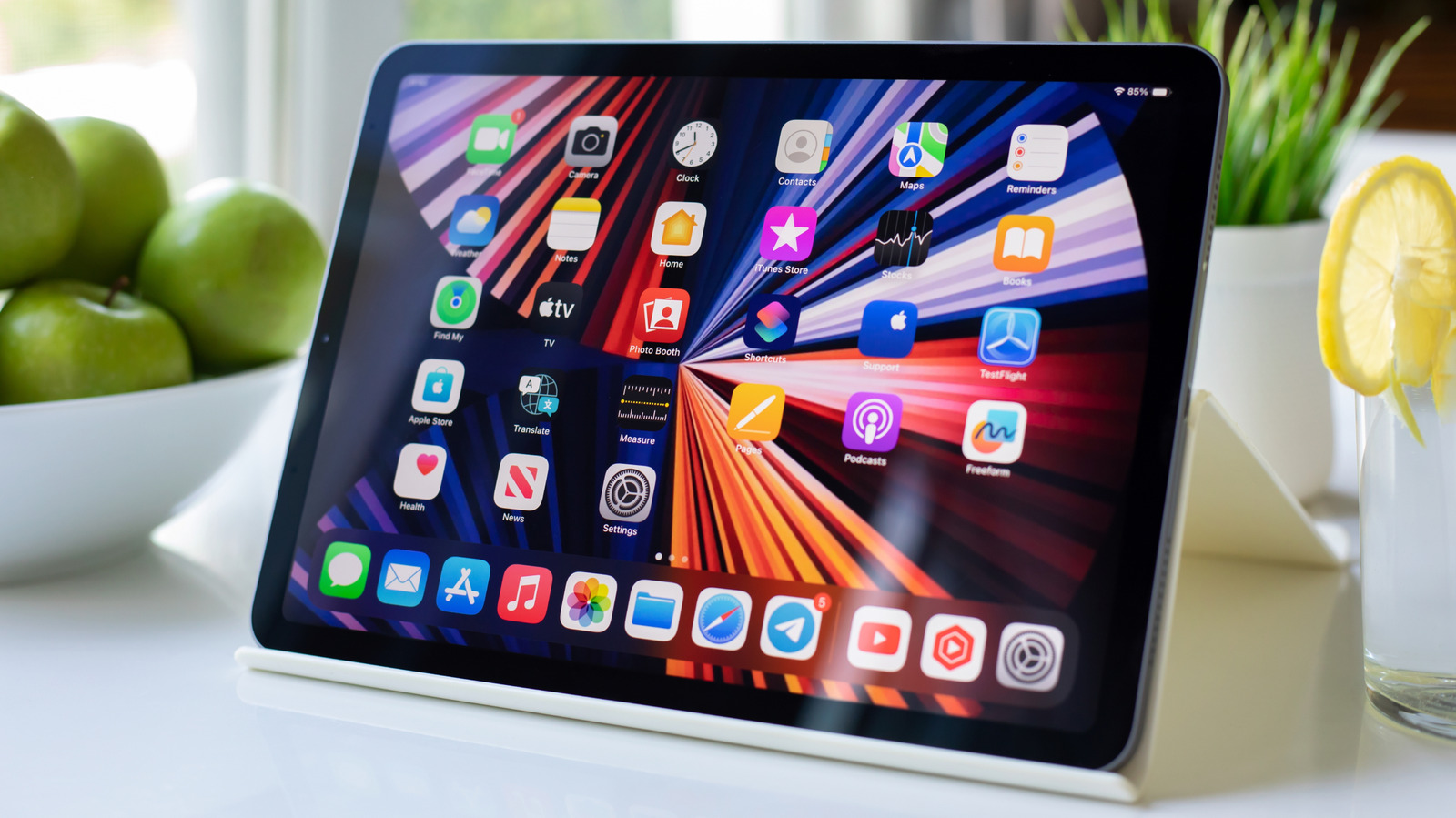
Quick Facts
- Maximum Output: 7.5W for standard USB-C models, increasing to 15W for M-series Thunderbolt iPads.
- Compatible Models: iPad Pro (2018 or later), iPad Air 4 and 5, iPad mini 6, and iPad 10th Gen.
- Best For: Providing an emergency top-up for an iPhone, Apple Watch, or AirPods when a wall outlet is unavailable.
- Direct Answer: To use your iPad as an emergency iPad power bank, connect your mobile device to the tablet using a USB-C to USB-C or USB-C to Lightning cable; the two devices will automatically negotiate power flow.
- Limitations: The 7.5W output is insufficient for charging a MacBook or other laptops and will significantly drain the iPad's internal battery.
- 2026 Recommendation: For high-speed charging and multi-device support, a dedicated 65W or 100W power bank from brands like Anker or INIU remains the superior professional choice.
If you have ever found yourself at a coffee shop or in the middle of a commute with a dying iPhone and a fully charged iPad Pro, you already have the solution in your bag. Thanks to the transition to USB-C, Apple’s high-end tablets have evolved into more than just consumption devices; they are now capable of acting as an emergency iPad power bank for your smaller electronics. By leveraging the iPad reverse charging capabilities, you can siphon off some of that large internal lithium-ion battery capacity to keep your most essential communication tools alive.
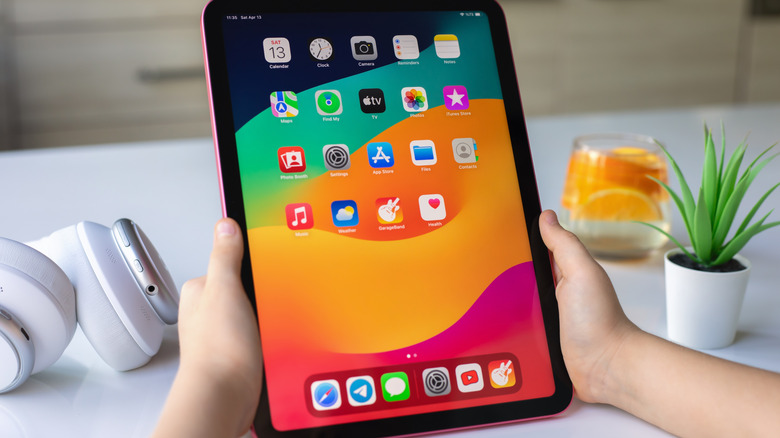
iPad Reverse Charging Compatible Models List
The ability to provide power to external accessories is a feature exclusive to iPad models equipped with a USB-C port. Older iPads that rely on the Lightning connector do not support bidirectional energy flow in this manner. As we look at the hardware landscape for 2026, the Type-C connector versatility has become the standard across the entire lineup, ensuring that almost any modern iPad can serve as a power source.
Below is the current iPad reverse charging compatible models list:
| iPad Category | Compatible Models |
|---|---|
| iPad Pro | 12.9-inch (3rd Gen or later), 11-inch (1st Gen or later), M4 Models |
| iPad Air | iPad Air (4th Gen or later), M2 Models |
| iPad mini | iPad mini (6th Gen or later) |
| iPad (Standard) | iPad (10th Gen) |
While all these models support the feature, the efficiency varies. The iPad Pro models with Thunderbolt or USB 4 ports are particularly adept at handling peripherals charging, as they offer higher overhead for bus-powered devices.
How to Charge iPhone with iPad Pro USB-C
To charge iPhone with iPad USB-C, the process is largely "plug and play," but having the right cable is essential. The tablet and the phone must perform a digital handshake protocol to determine which device is the provider and which is the receiver.
- Select Your Cable: If you are using a modern iPhone (iPhone 15 or later), use a USB-C to USB-C connectivity cable. For older iPhones, you will need a USB-C to Lightning cable.
- Physical Connection: Plug one end into your iPad’s USB-C port and the other into your iPhone.
- The Handshake: Once connected, the iPad Pro USB-C power delivery features kick in. The devices communicate to establish the power source prioritization. Usually, the device with the larger battery (the iPad) will automatically begin to charge the smaller device.
- Verification: Look for the charging icon on your iPhone. If the iPad is also charging or connected to a Magic Keyboard with power, it will continue to pass through power to the phone.
This same method applies when using iPad Pro to charge Apple Watch and AirPods. For an Apple Watch, you simply plug the Magnetic Fast Charger USB-C Cable directly into the iPad. Because wearables have small batteries, the iPad can fully charge them multiple times with only a negligible hit to its own battery percentage.
Troubleshooting: Managing Bidirectional Energy Flow
The most common issue users face is when the iPad reverse charging capabilities don't behave as expected. Occasionally, if you connect two devices with similar battery levels or another iPad, the energy might flow in the wrong direction. This happens because the handshake protocol fails to correctly identify the intended power source.
If your iPad starts receiving power from your iPhone (which is possible with iPhone 15 and later), try the following steps:
- The Cable Sequence Trick: Disconnect the cable from both ends. Plug the cable into the iPad first, wait a second, and then plug it into the device you want to charge. This often resets the power source prioritization.
- Software Check: Ensure both devices are awake when you connect them. If a device is completely powered down, the handshake may default to a "dumb" charging mode that doesn't favor the iPad.
- USB-A Adapter Hack: If you are trying to charge a very small accessory that isn't being recognized, try using a USB-C to USB-A adapter. By plugging a USB-A cable into the adapter and then into the iPad, you "force" the iPad into a host mode, ensuring it acts as the power provider for external accessories.
Managing battery drain management is also key. If your iPad battery is below 10%, it may refuse to output power to protect its own system integrity.
Performance Limits: iPad Pro USB-C Power Output Wattage
While the iPad is a capable emergency power source, it is important to manage your expectations regarding speed. In my technical testing, the iPad Pro USB-C power output wattage for charging devices is capped at a relatively low level compared to modern wall bricks.
Research and user data indicate that the standard USB-C port on the iPad Pro can deliver up to 7.5 watts of power. This is roughly equivalent to the old "slow" iPhone cubes. However, iPad Pro models equipped with Thunderbolt or USB 4 ports, such as the M-series versions, are capable of providing up to 15 watts of power to bus-powered external devices.
| Specification | iPad Output (Standard) | iPad Output (Thunderbolt/M-Series) | Dedicated Wall Charger |
|---|---|---|---|
| Max Wattage | 7.5W | 15W | 20W - 140W |
| Charge Speed | Very Slow | Moderate | Fast |
| Best Use | AirPods, Apple Watch | iPhone, Small SSDs | Laptops, Fast-charging phones |
Because of this 7.5W to 15W limit, the iPad is not a viable solution for high-energy equipment. You cannot charge a MacBook or a powerful Windows laptop using an iPad; in fact, the laptop might end up charging the iPad instead. This feature is strictly intended for an emergency top-up for mobile peripherals.
Beyond Emergency: Best Portable Power Banks for iPad Pro 2026
If you find yourself frequently relying on your tablet to charge your other gear, it’s a sign that your mobile kit needs an upgrade. Using an iPad as a power bank is a great trick, but it puts unnecessary wear on the tablet's lithium-ion battery capacity. For 2026, the market for high-performance external batteries has matured significantly, offering better on-the-go utility.
For those who need to keep an iPad Pro and an iPhone running during a long flight, I recommend looking at high-capacity options like the Anker 25,000mAh power bank. These units provide up to 100W output, which is enough to fast-charge an iPad Pro while simultaneously topping up a smartphone. If you prefer something more travel-friendly, compact 65W models from brands like INIU offer a perfect balance of portability and speed.
When shopping for the best portable power banks for iPad Pro 2026, keep the following in mind:
- Wattage: Look for at least 30W for the iPad alone, or 65W+ if you plan to charge a laptop too.
- TSA Limits: Ensure the battery is under 100Wh (usually around 27,000mAh) to remain airline-compliant.
- Port Selection: Ensure at least two USB-C ports to take advantage of modern fast-charging standards.
FAQ
What wattage power bank is best for an iPad Pro?
To charge an iPad Pro at its maximum speed, you should use a power bank that supports at least 30W USB-C Power Delivery. If you are using the newer M4 iPad Pro or want to charge multiple devices at once, a 65W power bank is the better investment for long-term compatibility.
Why is my power bank not charging my iPad?
This often occurs due to a handshake failure or insufficient wattage. If your power bank outputs less than 10-12W, the iPad may not recognize it as a valid charging source. Additionally, check your cable; a low-quality or damaged USB-C cable can prevent the negotiation of high-speed power flow.
Is it safe to charge an iPad with a portable charger?
Yes, it is entirely safe as long as you use a reputable brand that adheres to USB-PD standards. Modern iPads have sophisticated internal controllers that manage the intake of power, ensuring the battery does not overheat or overcharge.
Can I take an iPad power bank on a plane?
Most portable chargers are allowed in carry-on luggage, provided they are under the 100 watt-hour (Wh) limit set by the TSA and most international aviation authorities. This typically covers power banks up to 26,800mAh. Always check the label on the battery for the Wh rating before heading to the airport.
Whether you are using your tablet's internal battery for a quick iPhone boost or investing in a dedicated high-speed charger, understanding the limits of USB-C power delivery ensures you stay connected no matter where your mobile office takes you. Always remember to carry a high-quality USB-C to USB-C connectivity cable in your bag—it’s the key to unlocking the full potential of your iPad Pro.