Our Top Picks
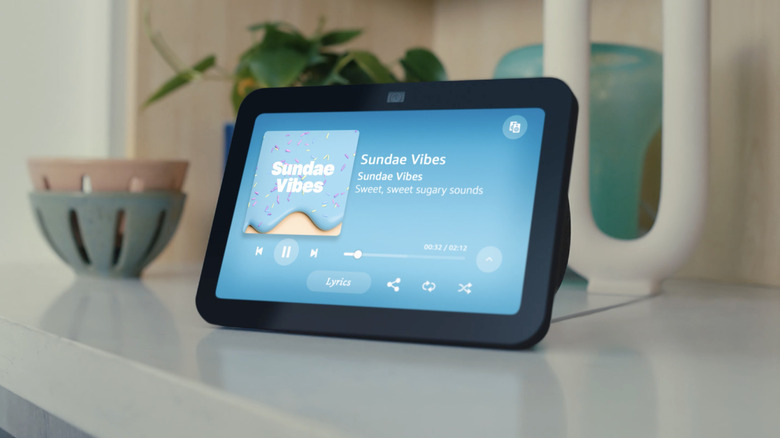
- Best for Communication: Amazon Echo Show 8 (3rd Gen) features a 13MP camera that centers automatically during video calls, perfect for staying connected with family.
- Best for Fall Safety: Passive AI Environmental Sensors offer non-intrusive monitoring without the need for wearable pendants or privacy-invading cameras.
- Best for Home Access: Eufy Smart Lock C220 with Fingerprint provides secure, keyless entry that is easy for both residents and emergency responders to use.
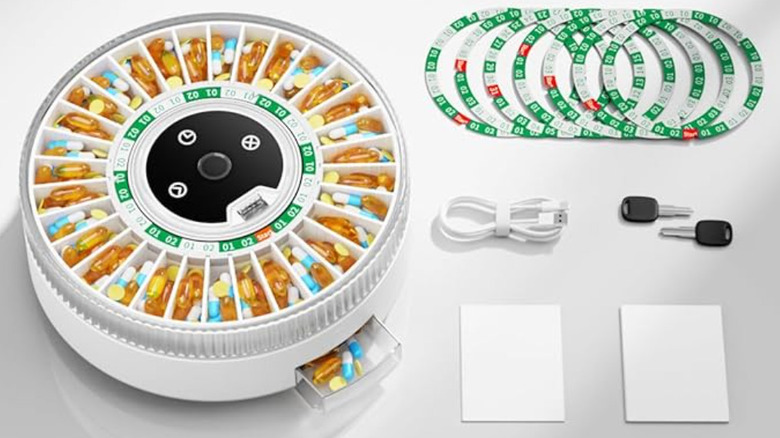
- Top Health Tech: Wi-Fi Enabled Automated Medication Dispensers provide audible alerts and track adherence to ensure complex pill schedules are followed.
The best smart home devices for seniors living alone prioritize safety and effortless communication, allowing for aging in place through voice-controlled interfaces and proactive monitoring. By integrating intuitive technology, families can create a safety net that reduces physical strain and ensures rapid response during emergencies.
| Device Category | Recommendation | Setup Difficulty | Monthly Subscription Required |
|---|---|---|---|
| Communication | Amazon Echo Show 8 | Moderate | Optional (Alexa Together) |
| Home Access | Eufy Smart Lock C220 | Moderate | No |
| Fall Detection | Passive AI Sensors | Professional/High | Yes |
| Medication | Hero/Pria Dispensers | Moderate | Yes |
| Climate Control | Ecobee Smart Thermostat | Hard (Requires C-wire) | No |
1. Smart Displays: The Hub for Remote Caregiving
When we talk about smart home devices for seniors, the conversation usually begins with the smart display. For many older adults, the biggest hurdle to technology isn't a lack of interest, but the friction of complicated interfaces. A smart display like the Amazon Echo Show 8 acts as a visual and auditory anchor for the home, serving as a hub for remote caregiving that bridges the gap between generations.
The Echo Show 8 (3rd Gen) is particularly effective because of its 13MP camera and its ability to act as a digital photo frame when not in use. For a senior, this means a rotating gallery of grandchildren's photos that can instantly transform into a high-definition video call with a simple voice command. This type of hands-free interaction is essential for those with arthritis or limited mobility who might struggle with the small buttons of a smartphone.
Voice Command Script: "Alexa, call Sarah's mobile."
Beyond social connection, these displays support cognitive assistance. You can set recurring reminders for doctor appointments, trash pickup days, or even daily hydration goals. For the family members, the "Drop In" feature—if enabled by the senior—allows for a quick wellness check without the senior needing to physically "answer" the call, which is a vital feature for those who may have suffered a fall and cannot reach a phone.
2. Smart Door Lock & Video Doorbell: Secure Entry
Security is a primary concern for seniors living independently. Traditional locks can be a source of anxiety; keys are easily misplaced, and fumbling with a deadbolt in the dark can be physically demanding. The Eufy Smart Lock C220 addresses these pain points by offering biometric entry. Instead of searching for a key, the resident simply places their finger on the scanner. This use of fingerprint technology ensures that the door is always secure but always accessible to the right people.
For caregivers, smart door locks and doorbells for senior safety provide unparalleled peace of mind. If an emergency occurs and paramedics need to enter the home, a caregiver can remotely unlock the door from their smartphone, preventing the need for a forced entry that could damage the property. Furthermore, these locks can be programmed with unique codes for home health aides or cleaning services, with notifications sent to the family whenever someone enters or exits.
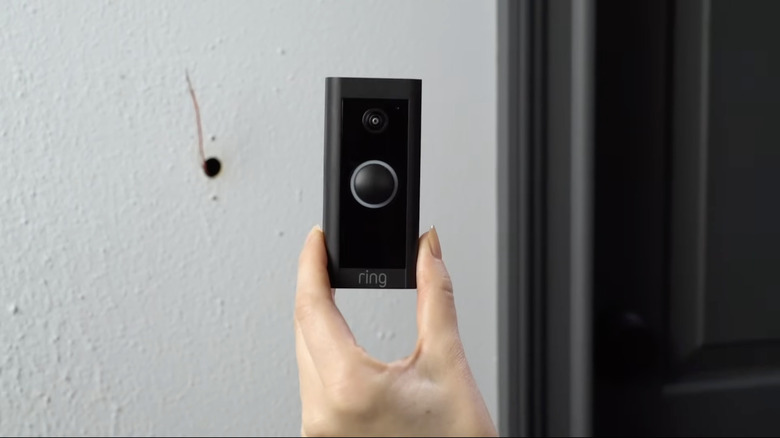
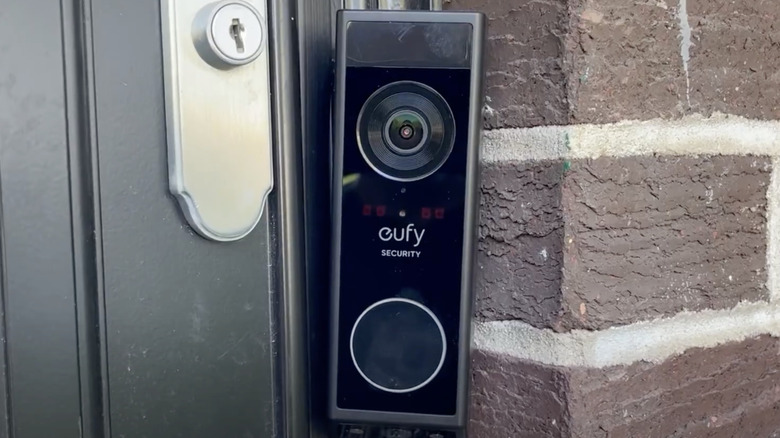
When paired with a video doorbell, the front door becomes a screened portal. Seniors can see and speak to visitors from their smart display or tablet while seated comfortably in their favorite chair. This prevents the physical strain of rushing to the door and protects against "porch piracy" or doorstep scams. By screening visitors from a smartphone or smart display, seniors maintain a firm boundary between themselves and unwanted solicitors.
H3: Eufy Smart Lock C220 with Fingerprint The Eufy C220 is a standout because it doesn't require a monthly subscription to store video or manage access. It integrates directly with existing smart home ecosystems and offers a built-in Wi-Fi chip, meaning you don't need an extra bridge or hub taking up outlet space. Its fingerprint recognition is fast and reliable, which is crucial for thinning skin or those whose prints might not be as "sharp" as they once were.
Voice Command Script: "Alexa, is the front door locked?"
3. Passive AI Fall Detection: Beyond the Pendant
Falling is one of the most significant risks for seniors aging in place. In fact, research shows there are approximately 36 million falls among seniors every year, often resulting in injuries that compromise independence. While wearable "help" buttons have been the standard for decades, they have a major flaw: the senior has to be wearing the device and remain conscious enough to press the button.
New aging in place technology solutions are moving toward passive AI fall detection. These are wall-mounted sensors that use radar or AI-driven movement tracking to monitor a room. They don't use cameras, which preserves the senior's privacy in sensitive areas like the bathroom or bedroom. If the system detects a rapid change in elevation followed by a lack of movement, it automatically triggers emergency notification systems to alert family members or emergency services.
This proactive safety approach is a game-changer. It removes the "burden of action" from the senior. For a family, knowing that smart home devices for fall prevention and detection are active 24/7—without the senior needing to remember to put on a pendant—reduces the constant "Unpaid IT Department" stress that often leads to caregiver burnout.
4. Automated Medication Dispensers: Ensuring Adherence
Managing multiple medications is a complex task that grows more difficult with age. Assistive technology for seniors at home has evolved to include automated medication dispensers for seniors with wifi. Devices like the Hero or Pria are essentially "smart pharmacies" for the kitchen counter. They store a 90-day supply of multiple pills and dispense the exact dosage at the correct time.
These devices offer cognitive assistance by providing audible reminders—loud beeps or a voice stating, "It is time for your morning medication." If the dose isn't taken within a set window, the Wi-Fi connectivity allows the device to send an immediate alert to a caregiver's phone. This real-time monitoring ensures that missed doses are caught before they become a medical emergency.
5. Smart Thermostats & Smart Lighting: Fall Prevention
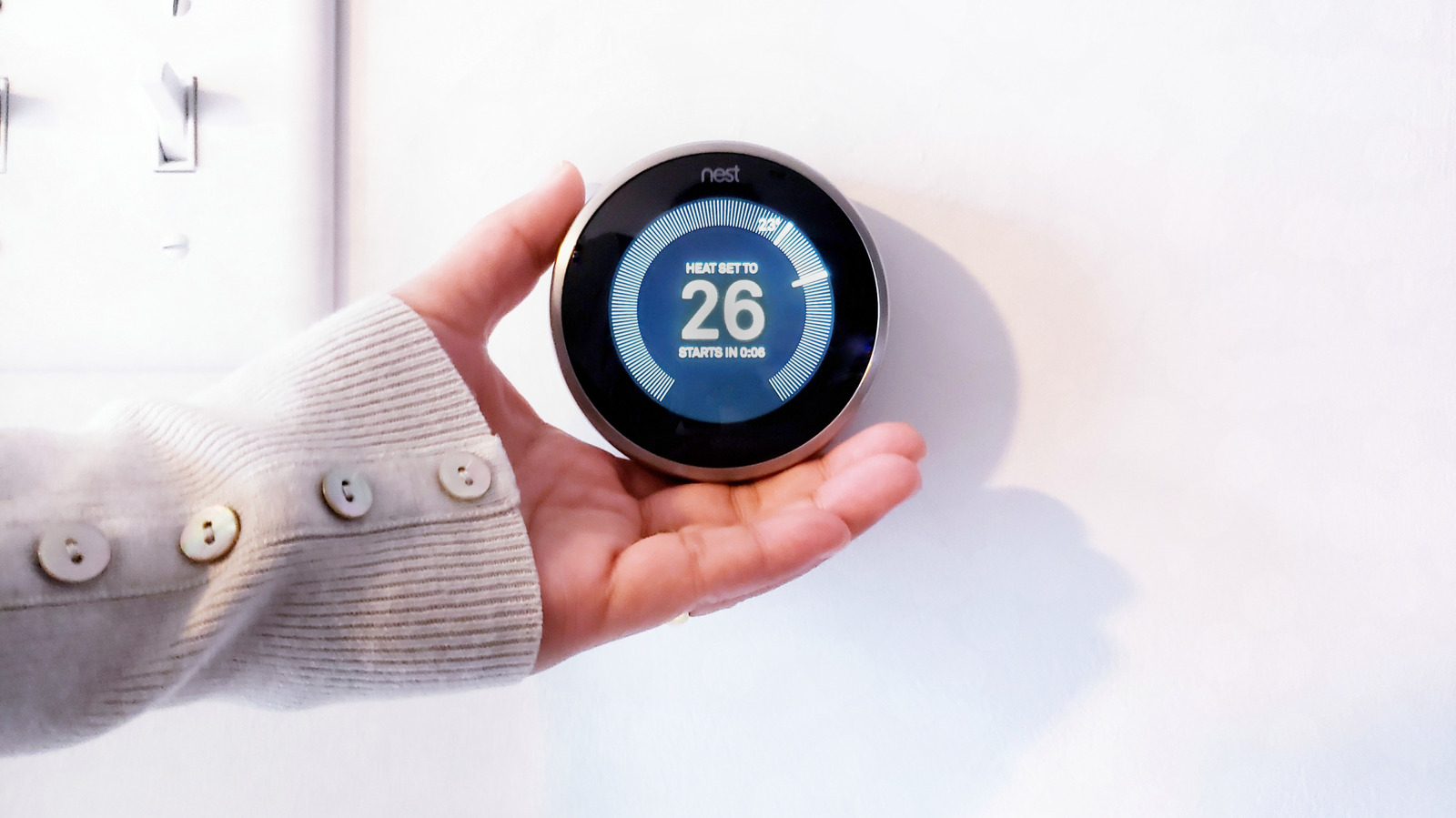
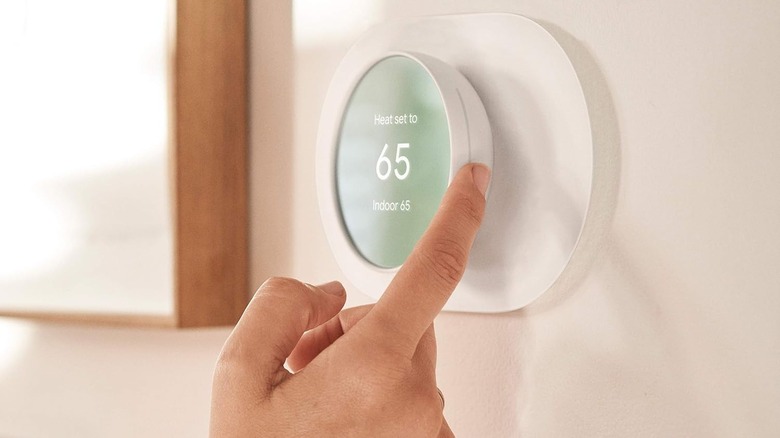
Environment control is often overlooked in senior safety, but it plays a vital role in home automation safety. A smart thermostat, such as the Ecobee or Nest, allows for smart thermostats for elderly temperature control via voice or a simple mobile app. This is crucial for seniors who may have difficulty reaching a thermostat mounted high on a wall or who may be susceptible to extreme temperatures due to health conditions.
Similarly, lighting is a fundamental component of fall prevention. Many falls happen at night when a senior is moving toward the bathroom in the dark. By using easy to set up smart home gadgets for elderly like motion-activated smart bulbs or Wi-Fi-enabled smart plugs, the path can be illuminated automatically. When the senior swings their legs out of bed, the motion sensor triggers a dim, warm light in the hallway and bathroom, guiding the way without the blinding glare of overhead lights.
Voice Command Script: "Hey Google, set the bedroom temperature to 72 degrees."
Buyer's Guide: Choosing Technology for Aging in Place
The market for aging-in-place technology is projected to reach $120 billion by 2030, which means there is no shortage of options. However, more tech isn't always better. The goal should be minimal tech friction.
When selecting smart home devices for seniors, consider these three pillars:
- Ecosystem Compatibility: If the senior already uses an iPhone, sticking with Apple HomeKit might be easier. However, Alexa currently leads the market for senior-specific features, such as Alexa Together, which provides a 24/7 urgent response line and remote monitoring tools for families.
- Intuitive User Interfaces: Look for devices that don't require "app-hopping." The best setup is one where everything can be controlled by voice or a single, simple dashboard.
- Subscription Costs: Some devices require monthly fees for cloud storage or emergency monitoring. Always check the long-term costs before committing to a system.
Setting up these devices often requires a family member or a professional. It's helpful to choose devices that offer companion apps, allowing daughter or son to manage the settings remotely. This way, if a Wi-Fi password changes or a software update is needed, it can be handled from another city, keeping the technology running smoothly without frustrating the senior.
FAQ
What are the best smart home devices for seniors living alone?
The best devices for solo-living seniors are those that provide a safety net without requiring active input. This includes smart displays for easy communication, video doorbells for security, and passive fall detection sensors that monitor the home 24/7. Smart locks are also highly recommended to ensure that emergency responders can enter the home without delay if needed.
How does smart home technology help seniors live independently?
Smart technology supports independent living by automating physically demanding or cognitively taxing tasks. Voice-controlled lighting prevents falls in the dark, automated medication dispensers ensure health regimens are followed, and smart thermostats maintain a safe environment. These devices reduce the daily struggle and give both the senior and their family the confidence to continue aging in place.
Are smart home devices easy for the elderly to use?
Modern smart home devices are increasingly designed with intuitive user interfaces. Voice control is the most accessible interface for many seniors, as it eliminates the need to learn complex menus or use small buttons. When properly set up by a family member, these gadgets can operate almost entirely in the background, providing passive safety with very little learning curve for the user.
What are the most important smart home safety features for seniors?
The most critical safety features include automatic fall detection, remote door unlocking for emergencies, and real-time alerts for caregivers. Visual and audible notifications are also vital, especially for those with hearing or vision impairments. Passive monitoring—systems that work without the senior needing to "do" anything—is generally considered the gold standard for senior safety.
Do smart home devices require a monthly subscription?
It depends on the device. Many smart speakers and basic smart plugs have no monthly fees. However, more specialized services like professional 24/7 emergency monitoring for fall detection or cloud-based video storage for doorbells often require a subscription. Always check if the core safety features of a device are locked behind a paywall before making a purchase.