Quick Facts
- Release Version: iOS 26.4 Beta
- Protocol: GSMA Universal Profile 3.0 / MLS (RFC 9420)
- Visual Indicator: Lock icon in message threads
- Key Feature: Native end-to-end encryption for RCS
- Carrier Requirement: Modern carrier bundle (refer to Apple Support 109526)
- Market Impact: 900 million additional active RCS users by 2025
- Interoperability: Future cross-platform support via iOS 26.5
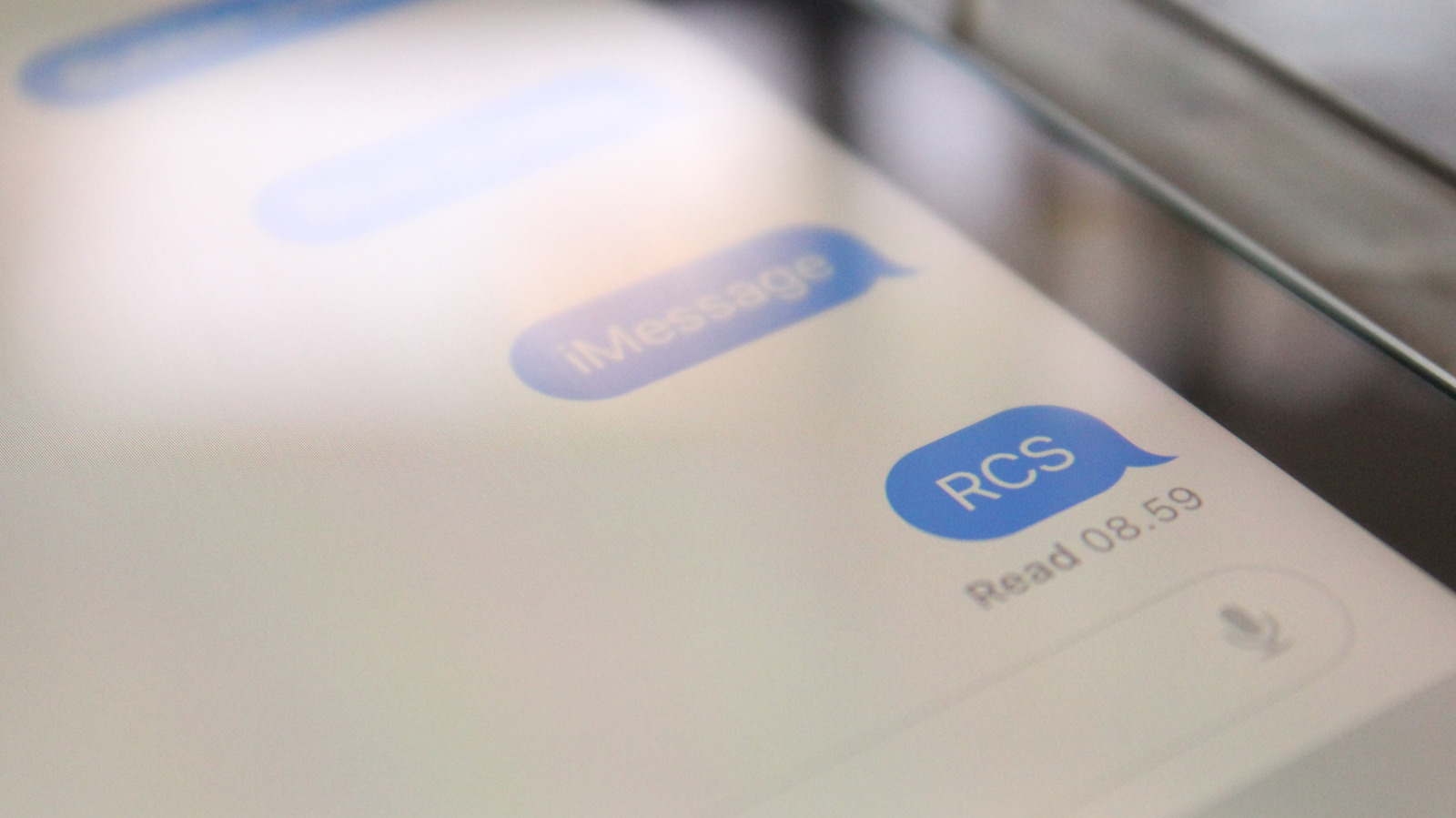
iPhone RCS encryption arrives with the iOS 26.4 beta, utilizing the GSMA Universal Profile 3.0 to bring end-to-end encryption to rich communication services. This update introduces a lock icon in message threads to indicate a secure connection, ensuring that RCS conversations eventually reach the same privacy standards as iMessage by protecting data from third-party or carrier interception.
For those of us who have spent years toggling between an iPhone for work and an Android for personal use, the arrival of encryption on the RCS standard feels like the final piece of a very long-standing puzzle. It is not just about getting high-quality photos or typing indicators across the green-blue bubble divide anymore; it is about bringing the baseline of mobile privacy up to a modern standard. With iOS 26.4, Apple is finally moving past the era of unencrypted SMS/MMS fallbacks and embracing a future where cross-platform communication is as secure as the walled garden we have lived in for over a decade.
The Technical Backbone: Universal Profile 3.0 and MLS
The shift seen in iOS 26.4 is not just a UI skin or a minor patch. It represents a fundamental change in how mobile protocols handle security. For years, RCS encryption was a fragmented mess. Google had its own proprietary implementation based on the Signal protocol, but that only worked within the Google Messages ecosystem. Apple, staying true to its preference for standardized frameworks, waited for the GSMA to finalize Universal Profile 3.0, which incorporates Messaging-Layer Security (MLS).
This transition to Messaging-Layer Security (MLS), codified under IETF RFC 9420, is the real hero of the story. Unlike older protocols that struggle with complex group chat dynamics or multi-device synchronization, MLS is designed specifically for large-scale, secure messaging. It allows for efficient key management, which means your group chats with friends on both iOS and Android can finally benefit from the same level of cryptographic protection. Juniper Research forecasts that Apple’s support for RCS will add approximately 900 million new active users to the messaging channel by 2025, and having a standardized encryption method ensures these users are not vulnerable to carrier-level interception.
The protocol change from Universal Profile 2.4 to 3.0 also signals the beginning of the SMS/MMS retirement phase. While those legacy protocols will remain as a tertiary fallback, the goal is clear: rich messaging should be the default, and it should never be sent in the clear. By leveraging Messaging-Layer Security (MLS), Apple is ensuring that the metadata—the information about who you are talking to and when—is better protected than it ever was under the old RCS standards.
Visual Security: What Does the Lock Icon Mean?
To verify if an RCS chat is encrypted on an iPhone running iOS 26.4, look for the lock icon displayed within the chat interface. This visual security indicator appears in the conversation header, right next to the contact’s name or group title. It serves as a simple, glanceable confirmation that your messages are being scrambled before they leave your device and can only be unscrambled by the recipient.
If you are a beta tester and do not see the lock icon immediately, you may need to check your settings. You can learn how to enable RCS encryption on iOS 26.4 beta by navigating to the Settings app, tapping on Messages, and ensuring the RCS Messaging toggle is switched on. If your carrier supports the new standard, you will see a secondary sub-menu or status indicator confirming that your connection is secure.
The introduction of visual security indicators is a classic Apple move to build user trust. Much like the padlock in a Safari browser address bar, the lock icon in the Messages app header demystifies a complex technical process. It tells the user that the underlying GSMA protocol is working as intended. In my testing, the icon appears almost instantly once a thread is upgraded from standard RCS to the encrypted Universal Profile 3.0 variant.
| Feature | SMS / MMS | RCS 2.4 | RCS 3.0 (iOS 26.4) |
|---|---|---|---|
| Encryption | None | Limited / Proprietary | End-to-End (MLS) |
| Media Quality | Low (Compressed) | High Definition | High Definition |
| Read Receipts | No | Yes | Yes |
| Group Security | None | Carrier Dependent | End-to-End (MLS) |
| Visual Indicator | None | RCS Label | Lock Icon |
Bridging the Gap: End-to-End Encryption Android to iPhone
The ultimate goal of this update is to solve the inter-device communication problem. For years, the conversation about end-to-end encryption Android to iPhone has been one of "if" rather than "when." With iOS 26.4, the "when" is finally now. While the initial beta rollout focuses on stabilizing the connection between Apple devices using the new standard, the roadmap leads directly to cross-platform RCS encryption compatibility for Android and iPhone.
We expect a full, seamless rollout in a subsequent update like iOS 26.5 or the final public release of this firmware cycle. This transition relies on Universal Profile 3.0, which not only secures messages but also enables advanced features like message editing, deleting, and inline replies across different ecosystems. In a direct privacy comparison between iMessage and RCS encryption, iMessage still holds a slight edge due to its deep integration with Apple’s iCloud Keychain and proprietary hardware security, but RCS 3.0 closes that gap significantly for everyday users.
The global active user base for RCS is projected to grow from 1.1 billion in 2024 to 3.8 billion by 2026, which would account for roughly 40% of all mobile subscribers worldwide. This massive growth is only possible if users feel safe using the platform. By adding encryption to the RCS standard, Apple is removing the primary excuse businesses and privacy-conscious individuals had for avoiding rich messaging.
Carrier Gatekeepers: Requirements for Activation
Despite the software being ready, there is a catch: carrier support for RCS encryption. Even if you are running the latest iOS 26.4 beta, your messages will not be encrypted if your network provider hasn't updated their infrastructure to support Universal Profile 3.0. You should check Apple Support 109526 to see if your specific carrier has enabled these features.
Carrier requirements for iPhone RCS end-to-end encryption are more stringent than standard SMS. The carrier must support the Messaging-Layer Security (MLS) key exchange within their network nodes. While major carriers in the US and Europe are leading the charge, smaller MVNOs (Mobile Virtual Network Operators) might take longer to catch up.
Apple's adoption of the RCS standard is estimated to drive a 500% global growth in RCS business messaging revenue between 2024 and 2025. This financial incentive is exactly what will push carriers to modernize their networks. For the average user, this means that even if you don't have encryption today, you will likely see it enabled automatically over the coming months as carrier network implementation catches up with Apple’s software capabilities.
The shift toward a unified, secure messaging standard marks a pivotal moment in mobile history. We are finally seeing the walls come down, not by making iMessage less secure, but by making every other conversation just as safe. It is a win for privacy, a win for the user experience, and a long-overdue update for the global mobile ecosystem.
FAQ
Does RCS on iPhone support end-to-end encryption?
Yes, with the release of the iOS 26.4 beta, Apple has introduced native support for end-to-end encryption within the RCS protocol. This is achieved by implementing the GSMA Universal Profile 3.0, which uses the Messaging-Layer Security standard to ensure that only the sender and the recipient can read the messages.
How secure is RCS messaging between iPhone and Android?
As of iOS 26.4, encryption is being rolled out to bridge the gap between platforms. While it currently requires both users to be on supported versions and carriers, the standard is designed to be as secure as other modern encrypted apps. Once fully implemented, conversations between Android and iPhone users will no longer fall back to unencrypted SMS, provided both devices support Universal Profile 3.0.
What is the difference between iMessage and RCS encryption?
iMessage uses Apple’s proprietary encryption protocol, which is deeply integrated with the Apple ecosystem and hardware. RCS encryption on iPhone uses the industry-standard Universal Profile 3.0 and Messaging-Layer Security. While both provide high levels of privacy, iMessage remains exclusive to Apple devices, whereas RCS encryption is designed for interoperability between different manufacturers and carriers.
Is Apple adding encryption to the RCS standard?
Apple is not creating its own encryption for RCS but is instead adopting the official GSMA Universal Profile 3.0 standard. By doing this, Apple is helping to finalize and push the industry toward a unified, encrypted messaging protocol that can be used by all manufacturers, rather than relying on the proprietary extensions previously used by other companies.
How do I know if an RCS message is encrypted?
In the iOS 26.4 Messages app, you can identify an encrypted conversation by looking for a small lock icon. This icon is typically located in the conversation header near the contact's name or at the top of the chat thread. If the icon is present, the connection is using end-to-end encryption; if it is missing, the conversation may still be using a legacy RCS version or standard SMS.