Quick Facts
- Suction Power: 65 Air Watts delivered by a Hyperdymium motor spinning at up to 110,000 rpm.
- Navigation: Uses a 360-degree vision sensor with 26 specialized sensors for obstacle avoidance.
- Connectivity: Matter-ready and fully compatible with Amazon Alexa and the MyDyson app.
- Filtration: HEPA filtration system captures 99.99% of particles as small as 0.1 microns.
- Runtime: Up to 65 minutes of powerful, fade-free suction on a single charge.
- Top Tip: Always perform a complete Mapping Mission before attempting to set up room-specific voice controls.
The Dyson 360 Vis Nav represents the peak of robotic floor care. Integrating this power into your smart home ecosystem via Alexa transforms cleaning into a hands-free experience. To connect the Dyson 360 Vis Nav to Alexa, enable the Dyson Skill in the Alexa app and link your MyDyson account to unlock the full potential of Dyson 360 Vis Nav Alexa voice control.
Setting the Foundation: MyDyson App and Mapping
Before you can start talking to your robot, you need to ensure the digital groundwork is laid. The MyDyson app is the mandatory starting point for any Dyson 360 Vis Nav smart home integration. This app acts as the command center, allowing you to register your machine, update its firmware, and, most importantly, create the map that Alexa will eventually use to navigate your home.
The mapping process, or the Mapping Mission, is a critical phase. Unlike older robots that bump their way around, the Vis Nav utilizes Lidar SLAM technology. This allows the robot to build a highly accurate 360-degree vision of its surroundings. To get the best results, ensure your home is well-lit and the floor is clear of small obstacles like loose cables or socks. The 360-degree vision system and 26 specialized sensors work in tandem to process up to 10,000 data points per second.
While the robot moves, a Piezo sensor dust detection system monitors the volume of debris. This data is fed back to the app, showing you where your home is the dirtiest. Once the map is generated, you can label individual rooms—like the Kitchen or Living Room. These labels are essential because they are the same names you will use when giving Alexa voice commands later on.
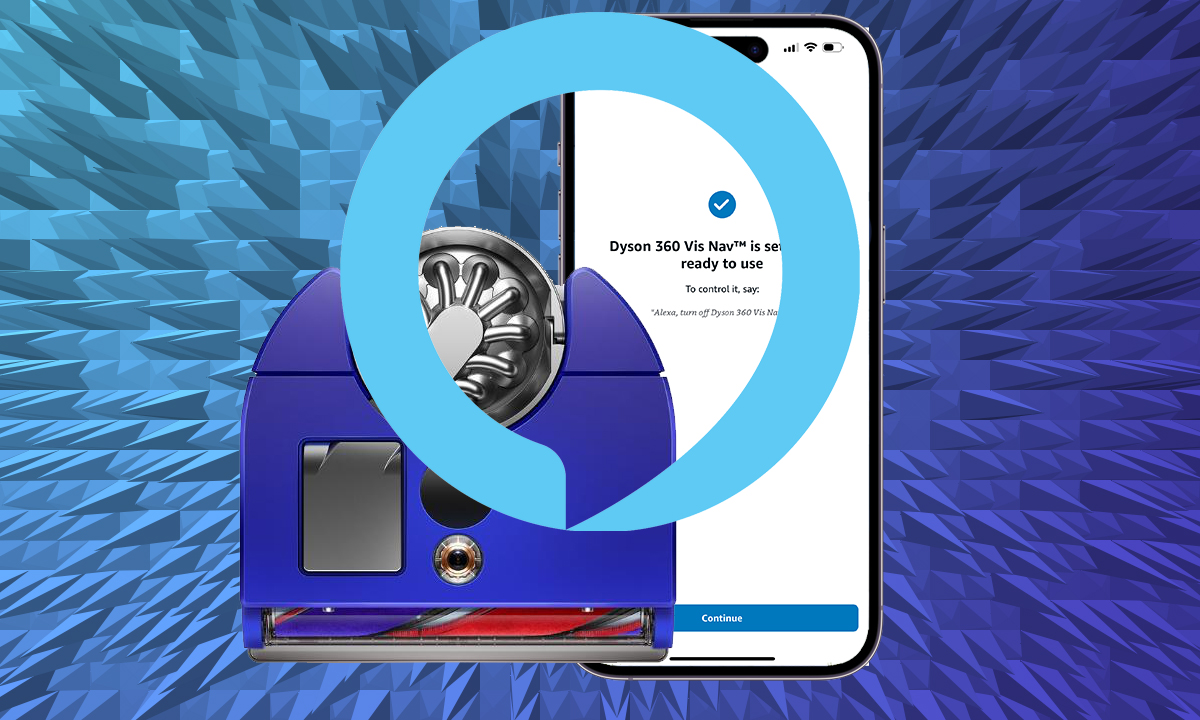
Step-by-Step: How to Connect Dyson 360 Vis Nav to Alexa
Connecting your hardware is a straightforward process, but it requires a few specific steps to ensure the cloud-to-cloud communication is stable. The Dyson 360 Vis Nav Alexa connection relies on the Dyson Skill within the Amazon ecosystem.
Enable the Dyson Skill
- Open the Amazon Alexa app on your smartphone or tablet.
- Navigate to the More menu and select Skills & Games.
- Use the search bar to find the Dyson skill. Note that there may be several Dyson-related skills; ensure you select the official one maintained by Dyson.
- Tap Enable to Use.
Link Your MyDyson Account
After enabling the skill, the app will prompt you to sign in. This is an OAuth process where you use your MyDyson app credentials (email and password). Linking your account allows Alexa to access the status and mapping data of your vacuum. Once the accounts are linked, Alexa will automatically begin a discovery phase.
Device Discovery and Wi-Fi
For the discovery to be successful, your robot must be powered on and connected to your home network. The Vis Nav features Dual-link Wi-Fi connectivity, which helps maintain a stable signal even in larger homes. If you have an Amazon Echo Show, you may even see a notification on the screen once the robot is successfully discovered. At this point, your Dyson 360 Vis Nav Alexa setup is complete, and you are ready for hands-free vacuuming.
Mastering the Dyson 360 Vis Nav Alexa Voice Commands List
The real magic happens when you stop using the app and start using your voice. To control the vacuum effectively, you generally use the syntax: "Alexa, ask Dyson to..." or "Alexa, tell Dyson to...". This ensures the command is routed through the specific Dyson skill.
Essential Commands for Daily Use
- Start Cleaning: "Alexa, ask Dyson to start cleaning."
- Pause/Stop: "Alexa, tell Dyson to stop vacuuming."
- Return to Dock: "Alexa, ask Dyson to go home."
- Battery Check: "Alexa, ask Dyson for the battery level."
Dyson 360 Vis Nav Alexa Voice Control for Specific Rooms
If you have completed your mapping mission and labeled your rooms, you can get much more specific. This is perfect for high-traffic areas like the kitchen after a meal. You can say, "Alexa, ask Dyson to clean the kitchen." The robot will leave its dock, navigate directly to the specified area using its intelligent floor mapping, and return once the task is finished.
| Action | Example Voice Command |
|---|---|
| Full Clean | "Alexa, ask Dyson to clean the house." |
| Room Specific | "Alexa, ask Dyson to clean the hallway." |
| Status Check | "Alexa, ask Dyson what it is doing." |
| Docking | "Alexa, tell Dyson to take a break." |
Using these commands transforms the robot from a scheduled appliance into an on-demand cleaning assistant. Whether you are busy cooking or just relaxing on the couch, the ability to trigger a clean without finding your phone is the ultimate convenience of the Dyson 360 Vis Nav smart home integration.
Advanced Automation: Alexa Routines and Matter Standard
Beyond simple commands, you can weave the Dyson 360 Vis Nav into the very fabric of your home automation. Alexa Routines allow you to trigger multiple actions with a single phrase or based on a specific event.
For example, you can create a Leave Home routine. When you tell Alexa "I'm leaving," the system can lock your smart locks, turn off the lights, and simultaneously tell the Dyson 360 Vis Nav to start a deep clean. This ensures you always return to a vacuumed home without ever hearing the 110,000 rpm motor in action.
Looking toward the future, the Dyson 360 Vis Nav is built with the Matter connectivity standard in mind. Matter is the new industry-wide protocol that aims to make smart home devices from different brands work together more reliably. By supporting these standards, Dyson ensures that your vacuum will remain a core part of your smart home ecosystem as it evolves, providing deeper integration and faster response times.
Troubleshooting Dyson 360 Vis Nav Alexa Connection Issues
Even the most advanced tech can run into hiccups. If you find that Alexa is no longer responding to your vacuum commands, there are several quick fixes to get things back on track.
Common Discovery and Sync Issues
If Alexa cannot find your device, first check your Dual-link Wi-Fi connectivity. Ensure the robot and your Alexa device are on the same network. Sometimes, a simple "Disable and Re-enable" of the Dyson skill in the Alexa app can force a fresh handshake between the two services.
Maintenance and Status Alerts
Connectivity isn't just about Wi-Fi; it's also about the physical state of the machine. If the HEPA filter is clogged or the brush bar is obstructed, the robot may refuse to start, which can look like a voice control failure. The MyDyson app provides scheduling cleans and maintenance reminders, but you can also ask Alexa for a status update to see if the robot is reporting an error.
Maintenance Reminder: Remember to wash your HEPA filter regularly and allow it to dry for at least 24 hours before reinserting. A clean filter ensures the 65 air watts of suction power remains at peak performance.
If the robot is physically stuck or the battery is too low, Alexa will often respond with a message indicating the robot is unavailable. Always check the real-time monitoring in the MyDyson app for specific error codes before assuming there is a software bug with the Alexa link.
FAQ
Does the Dyson 360 Vis Nav work with Alexa?
Yes, the Dyson 360 Vis Nav is fully compatible with Amazon Alexa. You can control the vacuum using voice commands through any Alexa-enabled device, such as an Echo speaker or the Alexa app on your phone.
How do I connect my Dyson 360 Vis Nav to Alexa?
To connect your vacuum, you must first set it up in the MyDyson app. Then, open the Amazon Alexa app, search for the Dyson skill in the Skills & Games section, enable it, and sign in with your Dyson account credentials to link the devices.
What voice commands work with the Dyson 360 Vis Nav and Alexa?
You can use a wide range of commands, including starting and stopping cleaning sessions, sending the robot back to its dock, and checking the battery status. If you have mapped your home, you can also command the robot to clean specific rooms by name.
How do I enable the Dyson skill in the Alexa app?
Open the Alexa app, go to the More menu, and tap on Skills & Games. Use the search icon to type in Dyson. Select the official Dyson skill and tap Enable to Use to begin the account linking process.
Why is Alexa not discovering my Dyson robot vacuum?
This is usually caused by the robot being offline or on a different Wi-Fi network. Ensure your Dyson 360 Vis Nav is properly docked and connected to Wi-Fi. If it still isn't discovered, try disabling and then re-enabling the Dyson skill in the Alexa app.
Elevate Your Smart Home with Dyson
The integration of the Dyson 360 Vis Nav into your Alexa environment is more than just a novelty; it is a fundamental shift in how you maintain your living space. By combining Dyson's unmatched suction power with Amazon's intuitive voice interface, you achieve a level of robotic floor care that is both powerful and effortless.
As smart home technology continues to advance with the Matter connectivity standard, the synergy between these devices will only grow stronger. Keep your MyDyson app updated to ensure you receive the latest features and voice capabilities, keeping your home clean and your hands free for the things that matter most.