Quick Facts
- Top Choice: Raspberry Pi 5 (8GB or 16GB RAM) is the gold standard for edge LLMs.
- Core Formula: Allocate 0.6GB of RAM per 1 billion parameters for Q4 quantization.
- Speed Benchmark: Llama 3.2 1B achieves ~9 tokens/sec; 3B models achieve ~5 tokens/sec.
- Cooling Requirement: Active cooling is mandatory; throttling starts at 80°C.
- Software Recommendation: Ollama for ease of use, Llamafile for maximum throughput.
- Privacy: 100% offline data sovereignty.
To build a local Raspberry Pi LLM private AI agent, use a Raspberry Pi 5 with at least 8GB RAM and an inference engine like Ollama or Bitnet.cpp. This setup allows you to run optimized 1B-3B parameter small language models (SLMs) locally with reasonable latency and complete data sovereignty.
Running a local Raspberry Pi LLM is no longer a pipe dream. With the Raspberry Pi 5, you can now host a private AI agent entirely offline. By using small language models (SLMs) and tools like Ollama, you can achieve impressive inference speeds. I have spent years benchmarking computer hardware, and seeing a credit-card-sized computer handle generative AI is one of the most significant shifts I have witnessed in edge computing.
Hardware Prerequisites: The Bill of Materials
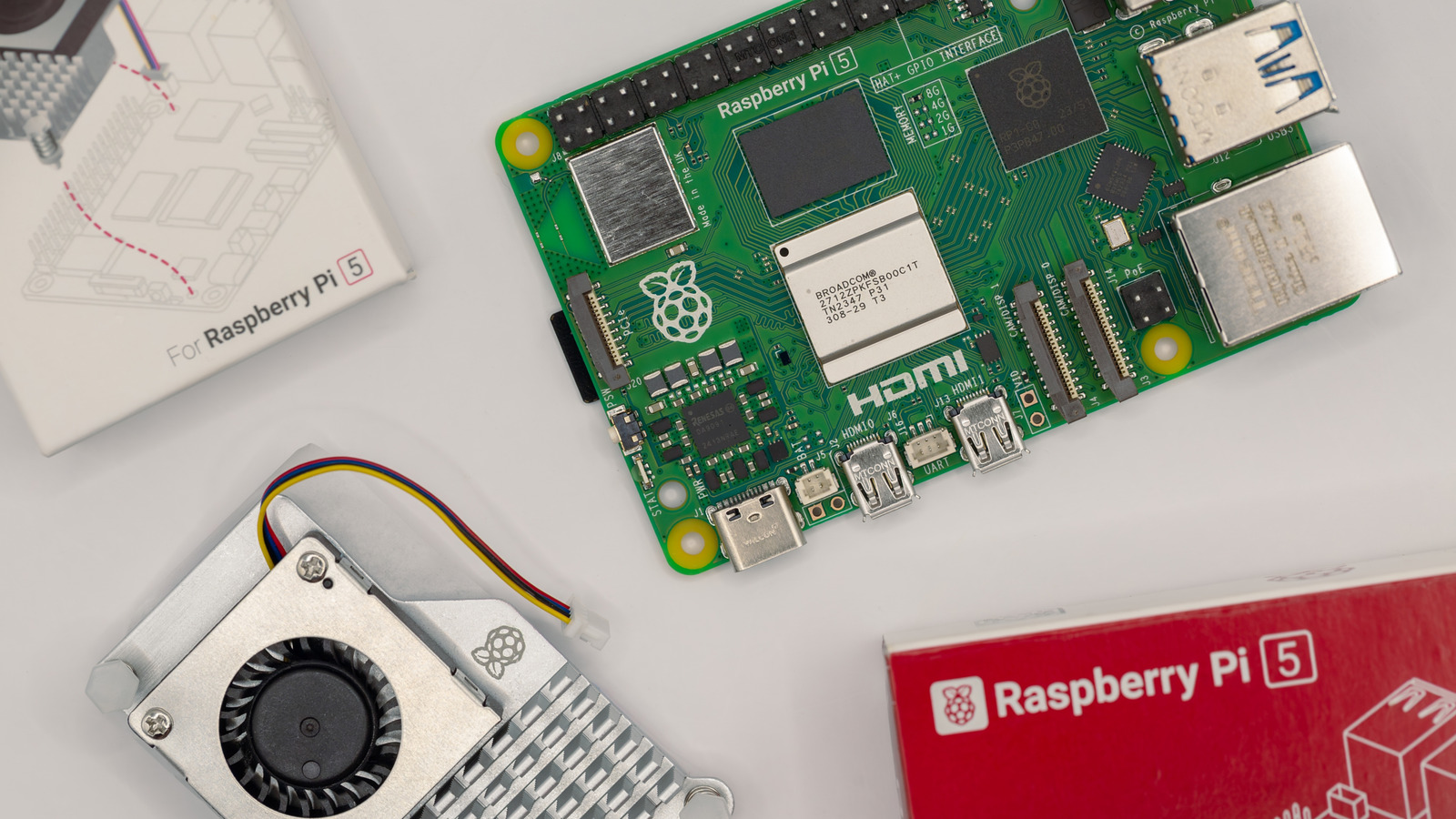
When I first started testing local AI on single-board computers, the hardware was always the bottleneck. That changed with the Raspberry Pi 5. The BCM2712 chip, featuring a quad-core Cortex-A76 CPU, provides the integer and floating-point performance necessary to handle the heavy math behind transformer models. However, the most critical factor is the RAM.
The Raspberry Pi 5 hardware requirements for local LLMs start and end with memory capacity. While the 4GB model can technically run a highly compressed 1B parameter model, you will hit a wall immediately. I strongly recommend the 8GB version as the baseline, and if you can get your hands on the 16GB model, do it. Large language models are almost entirely memory-bound; the faster the RAM can feed the CPU, the faster your agent responds.
I also suggest moving away from standard microSD cards. For a local AI agent Raspberry Pi 5 setup, a high-performance NVMe SSD connected via the PCIe M.2 HAT is a game-changer. It significantly reduces model loading times. When a model file is 2GB or 4GB, the difference between a 30MB/s microSD and a 400MB/s SSD is the difference between an agent that feels ready and one that feels broken.
| Component | Minimum Specification | Recommended Specification |
|---|---|---|
| Processor | Raspberry Pi 5 (BCM2712) | Raspberry Pi 5 (BCM2712) |
| Memory | 8GB LPDDR4X | 16GB LPDDR4X |
| Storage | Class 10 MicroSD (32GB+) | NVMe SSD via PCIe HAT (128GB+) |
| Cooling | Passive Heatsink | Raspberry Pi Active Cooler |
| Power | 5V 5A USB-C Power Supply | Official 27W USB-C PD Supply |
Software Ecosystem: Ollama and Bitnet.cpp
To make the hardware sing, you need the right software stack. For most users, an Ollama Raspberry Pi tutorial is the best place to start. Ollama abstracts the complexity of model management and provides a simple API that mimics OpenAI, making it easy to integrate into existing projects. It handles the ARM64 architecture optimizations automatically, ensuring you get the best possible performance out of the silicon.
However, if you are looking for raw performance, research indicates that Llamafile can achieve up to 4 times higher throughput and 30% to 40% lower power consumption than the Ollama framework on the Raspberry Pi 5. Llamafile turns an LLM into a single executable file, which is incredibly efficient for edge computing scenarios where every CPU cycle counts.
For those pushing the absolute limits of the hardware, running 1-bit LLMs on Raspberry Pi 5 with Bitnet.cpp is the new frontier. BitNet uses 1.58-bit quantization, which drastically reduces the memory footprint and compute requirements. While still maturing, this technology allows even smaller devices to run models that would normally require a dedicated GPU.
Selecting Models: The 1B to 3B Sweet Spot
One of the most common mistakes I see builders make is trying to run a 7B parameter model like Mistral or Llama 3 8B on a Pi. While it is technically possible, benchmarks demonstrate that running a 7B parameter model like Mistral 7B on a Raspberry Pi 5 yields a generation throughput of approximately 2.4 tokens per second, which is roughly equivalent to human reading or talking speed. It works, but it leaves zero headroom for other tasks.
For a responsive local AI agent Raspberry Pi 5 experience, you should focus on small language models for Raspberry Pi in the 1B to 3B range. These models provide a much better balance of intelligence and speed. Based on my testing, the best 1B and 2B parameter LLMs for Raspberry Pi are currently Qwen 2.5 1.5B and Gemma 2 2B.
The Raspberry Pi 5 can achieve inference speeds of 5 to 15 tokens per second for 1.5B parameter models and approximately 2 to 5 tokens per second for 3B parameter models. These speeds make low-latency local AI inference on Raspberry Pi 5 a reality for real-time applications like home automation or personal assistants.
| Model Name | Parameters | Quantization | RAM Required | Est. Speed (Pi 5) |
|---|---|---|---|---|
| Llama 3.2 | 1B | Q4_K_M | ~0.8 GB | 9-12 tok/s |
| Qwen 2.5 | 1.5B | Q4_K_M | ~1.2 GB | 7-10 tok/s |
| Gemma 2 | 2B | Q4_K_M | ~1.6 GB | 5-7 tok/s |
| Phi-3.5 Mini | 3.8B | Q4_K_M | ~2.6 GB | 2-4 tok/s |
Thermal Engineering: Avoiding the 80°C Wall
Deploying offline private LLMs on Raspberry Pi generates a significant amount of heat. During inference, all four CPU cores are pushed to their limit. Without proper cooling, the Raspberry Pi 5 will hit its thermal ceiling of 80°C very quickly, at which point the system throttles the clock speed to prevent damage. This kills your token-per-second performance.
I have found that the official Raspberry Pi Active Cooler is the bare minimum for this project. The fan logic is designed to kick in at 60°C and reach full speed at 75°C. If you plan on running your Raspberry Pi LLM for sustained periods—perhaps as a 24/7 background agent—I recommend an even larger third-party heatsink or an open-air case. Maintaining a stable temperature ensures that your data sovereignty doesn't come at the cost of hardware longevity.
Building the Agent: Adding Voice and Vision
A text-based chatbot is useful, but a true agent needs to interact with the world. Integrating Faster Whisper and Piper TTS on Raspberry Pi allows you to build a voice-controlled assistant that respects your privacy. Faster Whisper provides highly accurate speech-to-text recognition, while Piper offers high-quality, local text-to-speech synthesis that sounds remarkably natural.
Because both libraries are optimized for the ARM64 architecture, they can run alongside your Raspberry Pi LLM without causing massive lag. You can even take it a step further by using a vision-language model (VLM) like Moondream. This allows your agent to "see" via a connected camera module and describe its surroundings, all without sending a single byte of data to a cloud server.
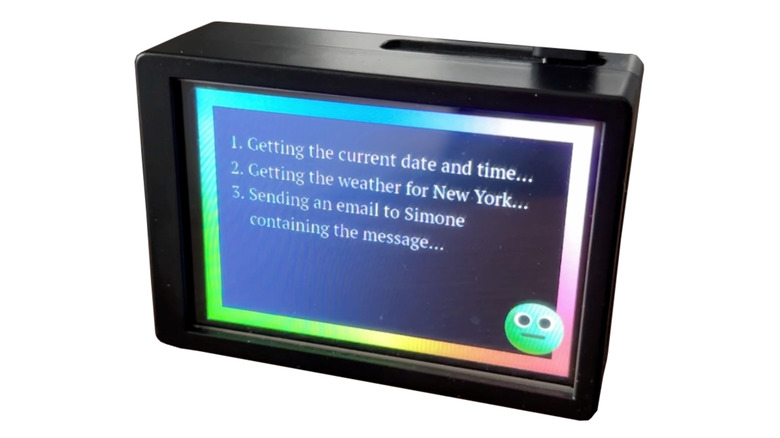
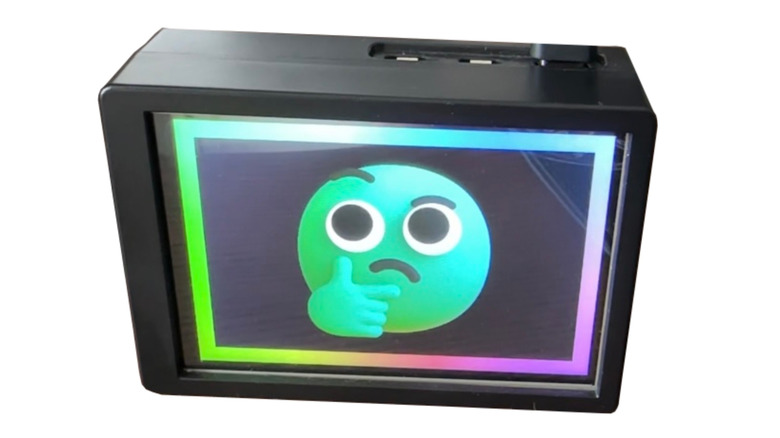
When building the agent, I recommend using a simple Python wrapper to orchestrate these components. You can set up a "wake word" system using Picovoice or similar local tools, which then triggers Faster Whisper to listen, sends the text to Ollama, and finally speaks the response through Piper. This creates a fully autonomous, offline entity on your desk.
FAQ
Can a Raspberry Pi run a large language model?
Yes, a Raspberry Pi 5 can run large language models, though it is best suited for small language models (SLMs) with 1 billion to 3 billion parameters. While it can run larger 7B or 8B models, the processing speed drops significantly, making them less ideal for interactive use.
How much RAM is needed to run an LLM on a Raspberry Pi?
To run a local LLM effectively, you need at least 8GB of RAM. Memory is the primary constraint for AI on the Pi, as the model must be loaded into RAM to be processed. A 16GB Raspberry Pi 5 is the best choice for those wanting to run slightly larger models or multiple AI services simultaneously.
Can you run Llama 3 on a Raspberry Pi 5?
You can run Llama 3 on a Raspberry Pi 5 using the 8B parameter version, but it is slow. For a better experience, I recommend using the Llama 3.2 1B or 3B versions, which are specifically designed for efficiency on edge devices and provide much higher tokens per second.
What is the best software to run local LLMs on Raspberry Pi?
Ollama is the best software for beginners due to its ease of installation and model management. For advanced users seeking the highest possible performance and lower power consumption, Llamafile is a superior choice as it provides higher throughput on ARM64 hardware.
Do I need a cooling system to run LLMs on Raspberry Pi?
Yes, active cooling is mandatory when running a Raspberry Pi LLM. The intense computational load will cause the CPU to reach 80°C quickly, leading to thermal throttling and a significant decrease in AI performance. An active cooler or a large heatsink with a fan is required for stable operation.
Start Your Private AI Journey
The era of personal, private AI is here, and it fits in the palm of your hand. By carefully selecting your hardware and optimizing your software stack, you can create a powerful local AI agent Raspberry Pi 5 system that doesn't rely on expensive subscriptions or invasive data mining. I encourage you to head over to GitHub, grab the latest GGUF models, and start experimenting with what your Pi can do. The results might just surprise you.