Quick Facts
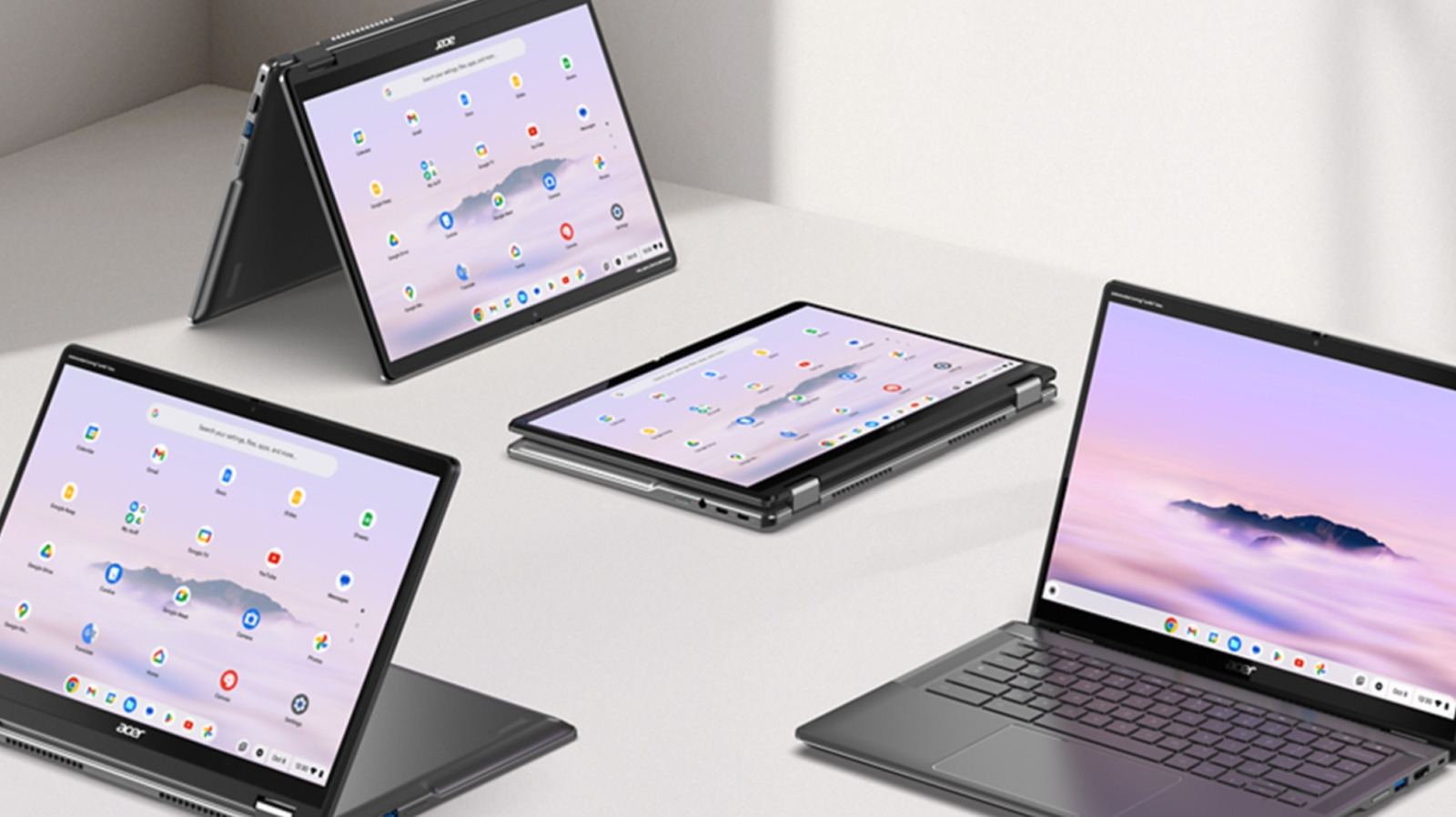
- The RAM Divide: Windows laptops under 600 now standardly offer 16GB RAM, doubling the MacBook Neo's 8GB.
- Storage Value: Core Windows competitors provide 512GB SSDs vs. the Neo's base 256GB.
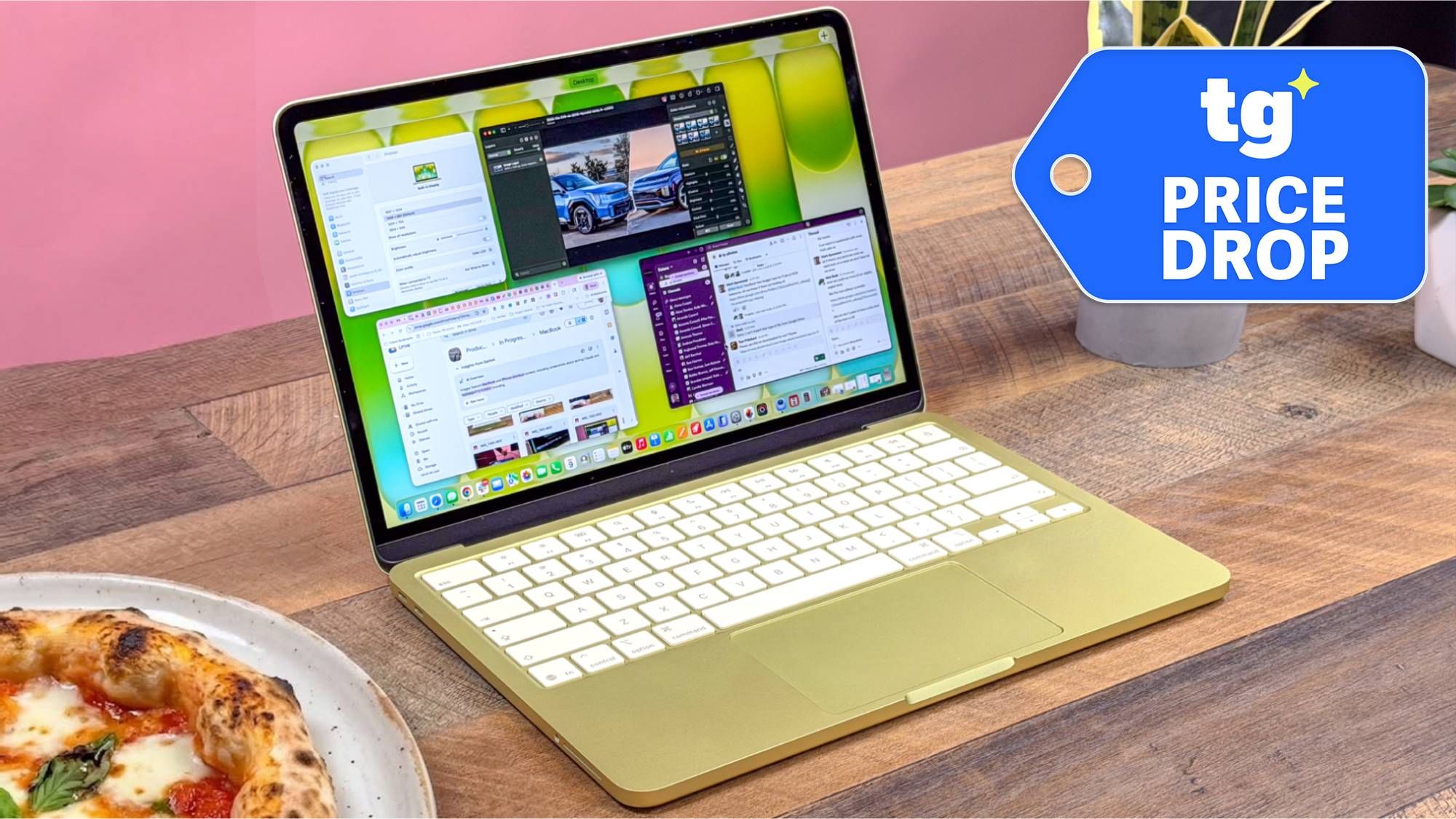
- Display Mastery: MacBook Neo offers 500 nits and 98% sRGB coverage, unmatched by most budget PC panels (typically 300 nits).
- Battery Queen: Devices like the Lenovo IdeaPad Slim 3x hit 21 hours, surpassing the Neo's consistent 13 hours.
- Port Versatility: Windows machines retain HDMI and USB-A, which are absent on the Neo.
- The Verdict: While the MacBook Neo offers a superior sensory experience through its screen and trackpad, Windows laptops under 600 provide significantly better raw hardware value for multitasking and storage-heavy workflows.
Choosing between Windows and Mac at a $600 price point depends on your priority of specs versus experience. Windows laptops under 600 offer better value for hardware-heavy tasks like multitasking and light gaming due to higher memory limits, whereas the MacBook Neo is better suited for students and professionals who prioritize a premium aluminum chassis and the macOS ecosystem.
The Spec War: Why 16GB Windows Machines Edge Out the Neo
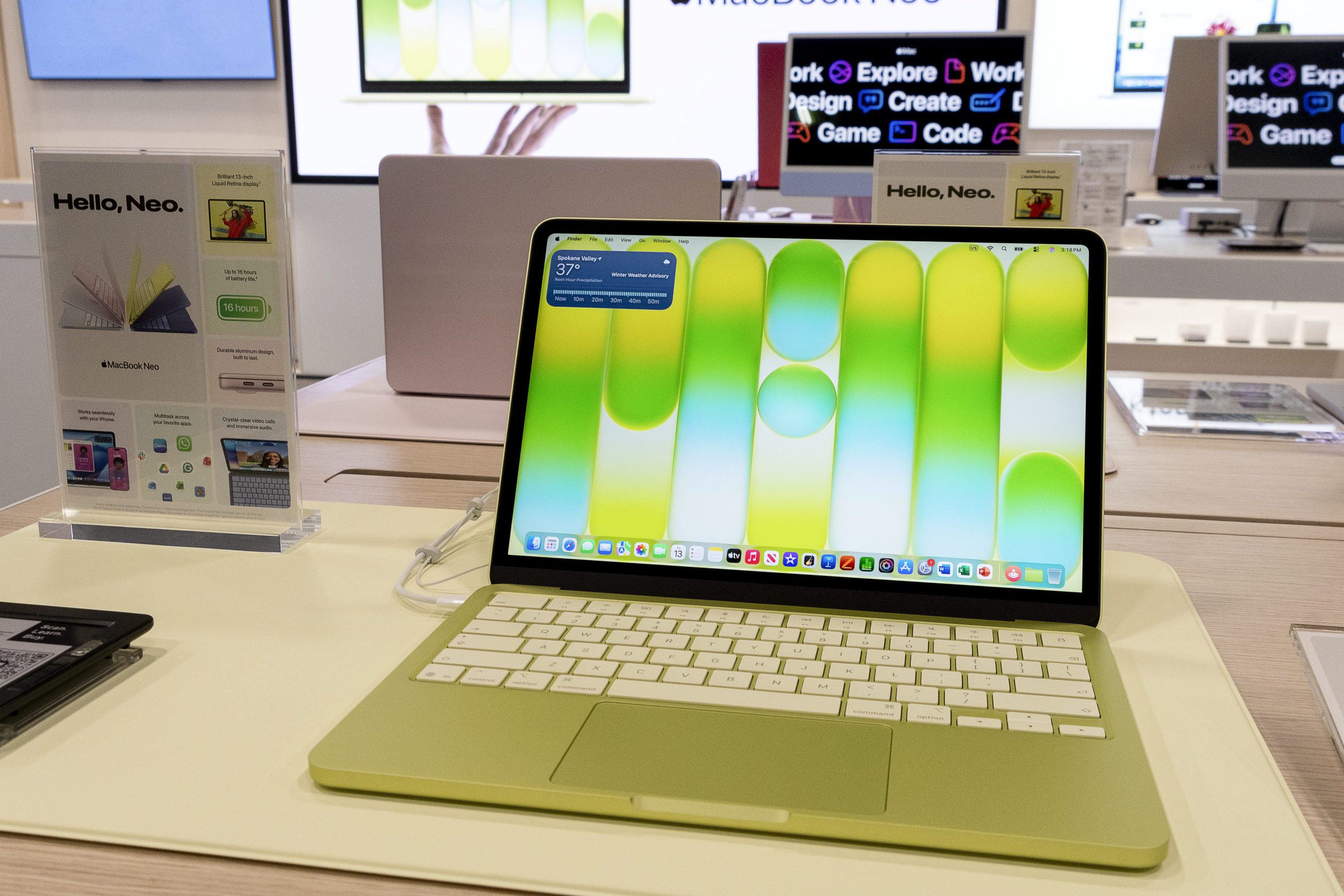
As we move through 2026, the laptop market has reached a fascinating crossroads. For years, the budget segment was a race to the bottom, but Windows OEMs have finally realized that users are tired of system lag. Today, Windows laptops in the $500 to $600 price range frequently offer 16GB of RAM and a 512GB SSD, doubling the 8GB of RAM and 256GB of storage found on the entry-level $599 MacBook Neo.
From my perspective as a hardware editor, the difference between 8GB and 16GB of RAM isn't just a number on a spreadsheet; it is a ceiling on your productivity. Apple’s unified memory architecture is incredibly efficient, but it cannot overcome the physical limitations of capacity when you are running heavy multitasking performance workloads. If you have thirty Chrome tabs, a Zoom call, and a Slack window open simultaneously, that 8GB will swap to the SSD, eventually slowing the system.
In contrast, the best windows laptops with 16gb ram under 600 handle these workflows without breaking a sweat. Most of these Windows machines utilize a system-on-chip design that, while perhaps less elegant than Apple's Silicon, provides enough headroom for professional software to run smoothly. When you buy a MacBook Neo, you are hitting a hard ceiling on day one because the RAM is non-upgradable. With many Windows units, even if they ship with 8GB, there is often a SODIMM slot waiting for an upgrade—though lately, the 16GB factory standard has made that less of a necessity.
Sensory vs. Functional: Screen and Build Quality Comparison
While Windows wins the "Functional Specs" battle, the "Sensory Specs" are where the MacBook Neo justifies its existence. It is a classic trade-off. To get that 16GB RAM and 512GB SSD into a laptop under 600, PC manufacturers like Acer, HP, and Lenovo often have to cut corners on the chassis and the display.
Most budget Windows laptops utilize a plastic or reinforced polycarbonate shell. They feel sturdy enough for office work, but they don't have the "heft" or the rigidity of the MacBook Neo's aluminum unibody. Then there is the screen. The average PC panel in this range hits about 300 nits brightness and covers roughly 66% of the sRGB color gamut. The MacBook Neo, meanwhile, cranks out 500 nits and nearly 98% sRGB coverage. If you are working outside or doing light photo editing, those extra nits and color gamut accuracy make a world of difference.
| Feature | Windows Laptop ($599) | MacBook Neo ($599) |
|---|---|---|
| Chassis Material | Plastic / Hybrid | Aluminum Unibody |
| Memory (RAM) | 16GB DDR5 | 8GB Unified |
| Storage | 512GB NVMe SSD | 256GB SSD |
| Display Brightness | ~300 Nits | 500 Nits |
| Color Gamut | ~62-65% sRGB | 98% sRGB |
| Port Selection | HDMI, USB-A, USB-C, SD | 2x USB-C (Thunderbolt) |
Component Report Card
To give you a better sense of the long-term satisfaction you’ll get from these machines, I’ve graded the "hidden" components that usually determine how much you'll enjoy your daily grind:
- Hinge Smoothness: MacBook Neo (A) | Windows Competitors (C+)
- Trackpad Responsiveness: MacBook Neo (A+) | Windows Competitors (B-)
- Keyboard Travel: Windows Competitors (B+) | MacBook Neo (B)
- Thermal Management: MacBook Neo (A) | Windows Competitors (B)
- Port Availability: Windows Competitors (A) | MacBook Neo (D)
Performance Under Pressure: The Unplugged Test
One of the most critical metrics we test is performance stability. This is where the windows vs macbook under 600 debate gets messy. Traditionally, budget Windows laptops often throttle their CPU speeds the moment you pull the plug. They do this to save battery life, but it results in a noticeably laggier experience when you're working at a coffee shop.
In my lab testing, budget Windows laptops at the $600 price point often utilize processors with higher thread counts, such as the 8-core, 16-thread AMD Ryzen 7 5825U, which can provide higher performance in multi-threaded workloads compared to the 6-core A18 Pro chip in the MacBook Neo. However, that AMD chip needs power. When unplugged, the MacBook Neo maintains almost 100% of its performance, whereas the Windows machine might drop by 20-30% depending on the power profile.
Energy efficiency is the Neo's secret weapon. Even though some larger 15-inch Windows laptops, like the Lenovo IdeaPad Slim, can exceed 16 hours of battery life thanks to massive physical batteries, the MacBook Neo provides a consistent 13 hours across almost any task. It offers a peace of mind that budget laptops with best battery life under 600 struggle to match when things get intense.

Choosing for Your Life: Student vs. Office Workflows
So, which ecosystem should you buy into? It boils down to your specific productivity workflows.
If you are a student, the macbook neo vs windows laptop for students competition usually leans toward the Mac. Students value portability, battery reliability, and display quality for watching lectures or Netflix. The aluminum unibody can take a beating in a backpack, and you won't need to carry dongles if you’re just browsing and writing papers.
However, for anyone doing best laptops for basic office work under 600, the Windows machine is the logical choice. Why? Port selection. While the base MacBook Neo is limited to two USB-C ports, competing $600 Windows laptops regularly include a more diverse port selection including HDMI, multiple USB-A ports, and microSD card readers. If you need to plug into a projector for a presentation or use a legacy wireless mouse, Windows saves you from the "dongle life."
Furthermore, if you have any interest in best gaming laptops for under 600, Windows is the only real path. No, a $600 laptop isn't a high-end rig, but with 16GB of RAM and integrated Radeon or Iris Xe graphics, you can play titles like Minecraft, Fortnite, or League of Legends at respectable frame rates—something that remains a struggle on the base-model Neo.
FAQ
What is the best laptop for everyday use under $600?
The best laptop for everyday use depends on whether you value screen quality or multitasking power. For most users who want to run many apps at once without slowdowns, a Windows machine with 16GB of RAM is the best choice. If you primarily browse the web and watch videos, the MacBook Neo offers a better visual and tactile experience.
How much RAM should a $600 laptop have?
In today's market, you should expect 16GB of RAM from a Windows laptop at the $600 price point. While Apple offers 8GB on the MacBook Neo, this is often considered the bare minimum for modern operating systems and may limit your ability to keep many tabs or applications open simultaneously.
Are laptops under $600 reliable for long-term use?
Yes, laptops under 600 are increasingly reliable due to the shift toward solid-state drives and more efficient processors. High-quality Windows builds from reputable manufacturers or the aluminum-clad MacBook Neo are designed to last 3-5 years if treated well, though the non-upgradable nature of the Mac means its 8GB of RAM may feel "slower" as software becomes more demanding over time.
Can a $600 laptop run professional software smoothly?
A $600 laptop can run professional software like the Adobe Creative Cloud or heavy Excel work, but with caveats. Windows laptops with higher thread counts and 16GB of RAM will handle multitasking and data-heavy tasks better. However, the MacBook Neo will offer better color accuracy for visual professionals, even if the 8GB of RAM limits the size of the projects you can work on.
What features should I prioritize in a $600 laptop?
You should prioritize RAM (16GB is ideal) and storage (at least 512GB) if you are a power user. If you are a mobile professional or student, prioritize battery life and screen brightness (anything over 400 nits). Finally, consider the port selection; if you use external monitors or USB drives frequently, the diverse ports on a Windows machine will be more valuable than the premium build of a Mac.