Quick Facts
- Market Impact: The Snapdragon C platform aims to lower the entry price for windows arm laptops to a target of $300.
- Battery Life: These devices are engineered for extreme battery longevity, targeting 20 or more hours on a single charge.
- Architecture: Unlike high-end chips, the Snapdragon C utilizes older Qualcomm Kryo architecture instead of the premium Oryon cores.
- AI Capabilities: While an integrated NPU is present, these budget chips do not meet the minimum specs for official Microsoft Copilot+ certification.
- Target Audience: Primarily designed for students, the education sector, and price-sensitive users focused on SaaS workflows and web browsing.
- Performance: Compatibility is handled via the Prism emulation layer, though performance is optimized for native ARM64 apps.
The quest for the best cheap windows arm laptops 2026 has a new champion on the horizon: Qualcomm's Snapdragon C. Aiming for a $300 entry point, these windows arm laptops promise all-day battery and sleek designs for students and SaaS workers. Snapdragon C is a budget-focused platform designed to bring windows arm laptops to the $300 price point, utilizing power-efficient Kryo cores to deliver 20+ hours of battery life to students and mobile workers.
Understanding the Tech: What is an ARM-based laptop meaning in 2026?
For decades, the PC world was a two-horse race between Intel and AMD, both utilizing the x86 architecture. However, as we move through 2026, the landscape has shifted toward high power-per-watt efficiency. To understand the arm-based laptop meaning today, you have to look at your smartphone. ARM architecture, which powers almost every mobile device, prioritizes efficiency and thermal management over the raw, heat-generating "performance-at-any-cost" mindset of traditional desktop chips.
The timing of this shift is no accident. With the end of Windows 10 support in late 2025, millions of users are finally being forced to upgrade their aging hardware. This has created a vacuum in the budget market. While Intel and AMD have tried to scale down their chips for entry-level machines, they often struggle with battery life or require noisy fans.
Windows arm laptops solve this by using A-series mobile chips translated for a desktop environment. These machines do not just sip power; they gulp it slowly. In 2026, even a budget windows arm laptop can comfortably last through a full school day and a late-night study session without ever seeing a wall outlet. For the average consumer who spends 90% of their time in a browser or native ARM64 apps like Microsoft Teams and Spotify, the old compatibility fears are largely a thing of the past.
Snapdragon C vs. Snapdragon X2: The $300 Compromise
When Qualcomm announced that the Snapdragon C platform is an entry-tier processor designed to enable the production of Windows laptops starting at a target price of $300, the industry took notice. But as a reviewer, I have to look at what is under the hood. There is always a trade-off when you drop the price this low.
The technical reality is that the Snapdragon C architecture utilizes older Kryo CPU cores instead of the custom Oryon cores found in the higher-performance Snapdragon X Elite and Plus series. Think of it like this: the Snapdragon X2 is a sports car with a bespoke engine, while the Snapdragon C is a reliable commuter car using a refined version of last year’s engine. It gets the job done, but you aren't going to win any races.
Furthermore, there is the question of AI. We are in the era of the "AI PC," but Snapdragon C is an outlier. Although the Snapdragon C includes an integrated Neural Processing Unit (NPU) for local AI tasks, Qualcomm has confirmed that devices using this chip will not meet the hardware requirements for Microsoft Copilot+ certification. This means if you want the fancy real-time translation and Recall features promoted by Microsoft, you will need to step up to a more expensive tier. For the $300 buyer, however, this integrated NPU still helps with basic tasks like background blur in video calls and noise cancellation without taxing the main CPU.
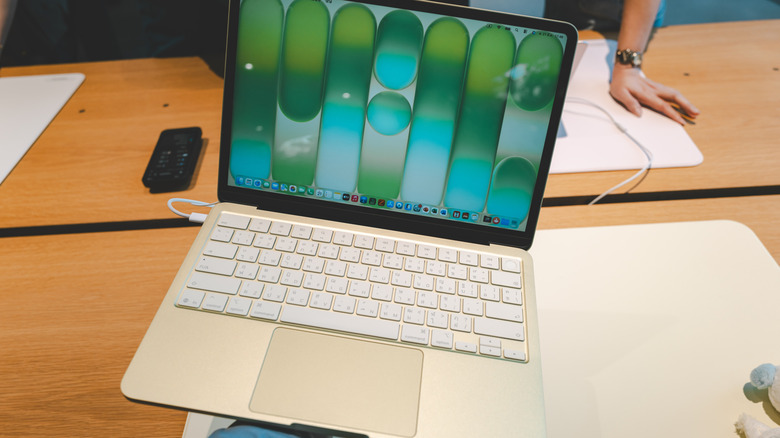
Performance Realities: Windows 11 on Snapdragon C
Testing windows arm laptops for 2026 requires a different set of benchmarks than we used five years ago. Because the ecosystem has matured, most of what you do is likely already running natively. Native ARM64 apps run with zero overhead, meaning they are just as snappy—if not snappier—than they are on Intel hardware.
For legacy apps that haven't been updated, Windows 11 uses the Prism emulation layer. On a Snapdragon C device, you will notice a 15-25% performance penalty when running older x86 software. In practical terms, this means an old version of Photoshop might take three seconds longer to open, or a complex Excel macro might churn a bit more. But for the education sector and SaaS workflows, where Google Workspace or Microsoft 365 are the primary tools, the user experience is essentially flawless.
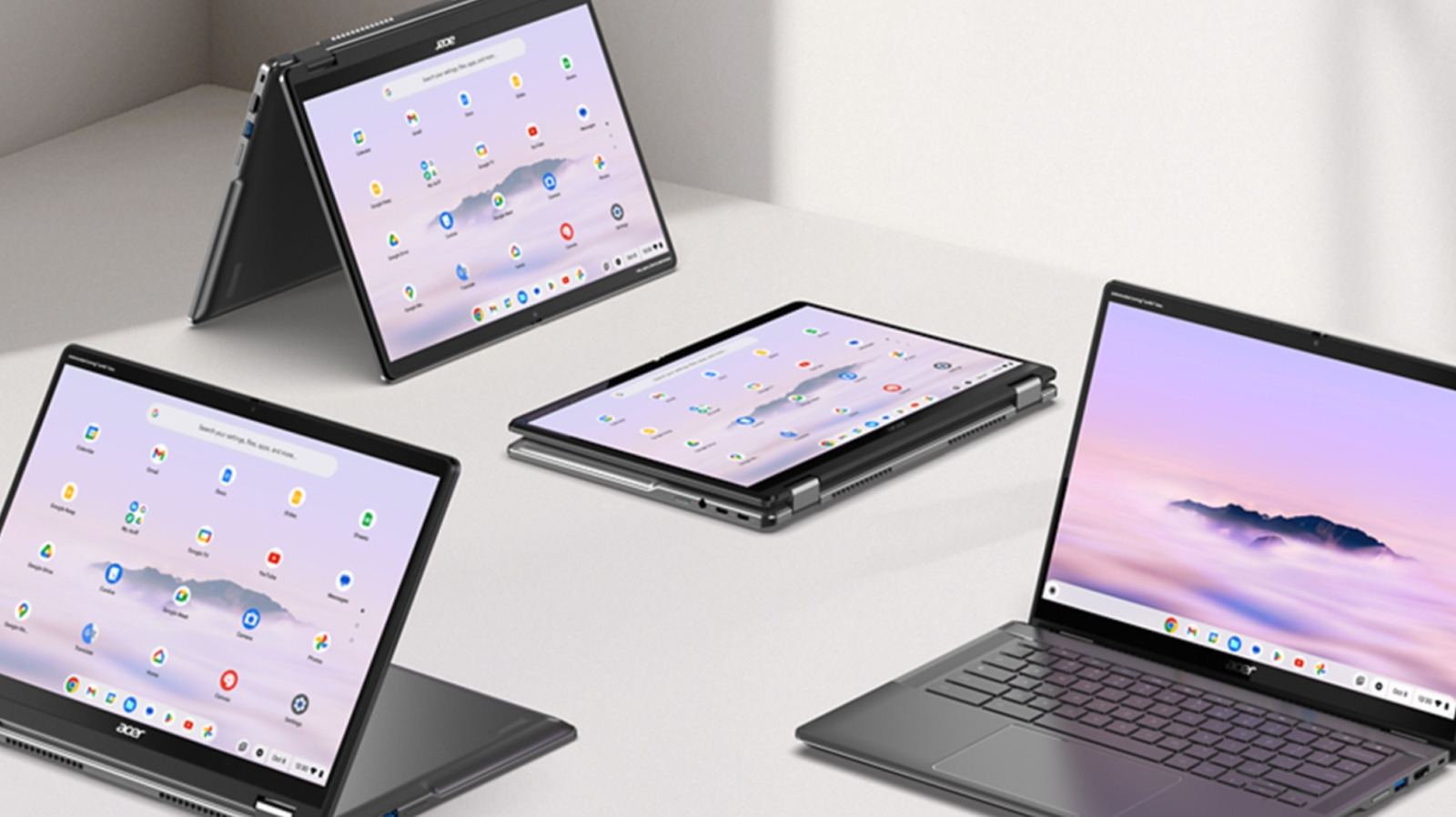
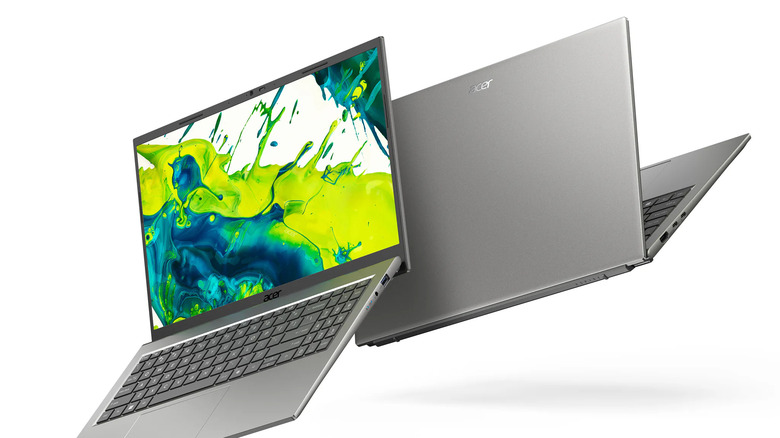
Take the acer aspire go 15 snapdragon c specs as a reference point. You are looking at a 1080p display, 8GB of LPDDR5x RAM, and a fanless chassis. Because there is no fan, the device is completely silent, which is a massive win for students in a quiet library. When looking at windows 11 performance on snapdragon c benchmarks, the scores won't blow you away, but the consistency is key. Unlike cheap Intel Celeron laptops that stutter the moment you open a fifth Chrome tab, these ARM chips handle multitasking with a level of grace that was previously unheard of at the $300 price point.
Wait or Buy? The 2026 Buying Matrix
The decision of whether to buy now or wait for the $300 Snapdragon C wave depends entirely on your needs. If you are a professional who needs the absolute best windows arm laptops, you should be looking at the premium tier, such as a lenovo arm laptop like the Yoga Slim 7x. These devices offer 30-plus hours of battery life and OLED screens but will cost you significantly more than the Snapdragon C targets.
If you are a student or someone who just needs a "browser box" that won't die on a cross-country flight, the $300 Snapdragon C is a game-changer. It represents the first real threat to Chromebook dominance we have seen in years. By offering a full version of Windows 11 with better battery life than most ChromeOS devices, Qualcomm is making a strong play for the entry-tier computing market.
| Feature | Snapdragon C (Entry) | Snapdragon X2 Elite (Pro) | Intel Panther Lake (Ultramobile) |
|---|---|---|---|
| Est. Price | $300 - $450 | $1,000+ | $800+ |
| CPU Core | Qualcomm Kryo architecture | Qualcomm Oryon (Gen 2) | Performance/Efficiency Hybrid |
| Battery Life | 20+ Hours | 30+ Hours | 15-18 Hours |
| Copilot+ | No | Yes | Yes |
| Best For | Students, SaaS, Web | Creators, Devs, Biz | General Purpose, Legacy Apps |
For those asking "are $300 windows arm laptops good for students," the answer is a resounding yes. You are getting a machine that is thin, light, and lasts forever. Just be aware that you are buying into a specific ecosystem. You aren't going to be playing AAA games on this, and you won't be editing 4K video. It is a tool for productivity and consumption, and at $300, it’s a tool that is finally affordable for the masses.
FAQ
What is a Windows ARM laptop?
A Windows ARM laptop is a portable computer that runs the Windows 11 operating system on a processor using ARM architecture, similar to what is found in smartphones and tablets. These processors are known for their high efficiency, allowing for fanless designs and significantly longer battery life compared to traditional Intel or AMD laptops. In 2026, they use a technology called Prism to ensure they can still run older desktop software while performing best with modern, native applications.
Can Windows ARM laptops run all desktop applications?
Yes, modern windows arm laptops can run the vast majority of Windows desktop applications. Native ARM64 apps run directly on the hardware for maximum speed. For older applications designed for Intel or AMD processors (x86 or x64), Windows 11 uses the Prism emulation layer to translate the code. While most apps work seamlessly, some very specialized software, such as certain kernel-level anti-cheat programs in games or specific hardware drivers, may still have compatibility issues.
How does battery life compare on ARM vs Intel laptops?
ARM-based laptops generally offer superior battery life, particularly in standby and light productivity tasks. While a modern Intel-based laptop might offer 10 to 15 hours of real-world use, windows arm laptops frequently exceed 20 hours, with high-end models even hitting the 30-hour mark. This is due to the lower power consumption of the ARM architecture at idle and low-load states, which covers most daily activities like web browsing and video streaming.
Is it worth buying a Windows ARM laptop right now?
It is worth buying a Windows ARM laptop if you prioritize portability, battery life, and a quiet, fanless experience. For users who spend most of their time in a web browser, specialized SaaS applications, or Microsoft Office, the experience is excellent. However, if you are a hardcore gamer or a professional who relies on very specific legacy software that hasn't been updated for ARM, you may want to check compatibility lists for your mission-critical apps before making the switch.