Quick Facts
- Top Productivity Pick: Microsoft SwiftKey (Best for AI features and adaptive typing)
- Top Privacy Pick: FUTO Keyboard (Full offline processing with zero data telemetry)
- Best for Accuracy: Typewise (80% reduction in typos via hexagonal layout)
- Market Milestone: Gboard reached over 10 billion downloads by early 2025
- Language Support: Gboard supports 900 language varieties compared to 700+ for SwiftKey
- The Latency Gap: On-device AI processing (<20ms) versus cloud-sync latency (127ms)
In 2026, Microsoft SwiftKey and FUTO Keyboard are the leading Gboard alternatives. SwiftKey is the best for adaptive predictive typing and Microsoft 365 users, while FUTO Keyboard is the premier choice among privacy-friendly keyboard apps due to its 100% offline on-device machine learning.
Why Switch? The Hidden Costs of Gboard in 2026
As an editor who spends the better part of my day tapping away on everything from the latest folding screens to ultra-budget handsets, I have seen Gboard evolve from a simple utility into a behemoth. While it is impressive that Gboard for Android reached over 10 billion downloads on the Google Play Store, that ubiquity comes with a price that many power users are no longer willing to pay.
The primary friction point in 2026 is the growing divide between cloud-dependent features and local performance. While Gboard remains a powerhouse, many users are reporting a "messy UI" feel, where the keyboard tries to be a search engine, a translator, and a sticker gallery all at once. Furthermore, the 127ms cloud latency often associated with cloud-based transformer models for advanced grammar checking can feel sluggish compared to modern 144Hz and 165Hz displays.
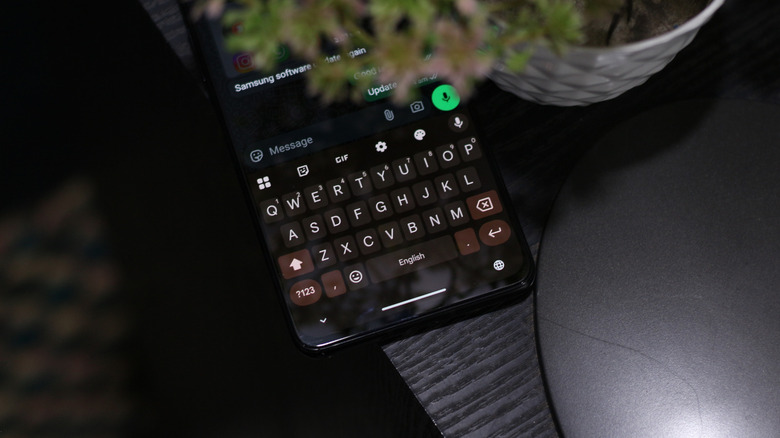
Beyond performance, user data telemetry has become a significant concern. Every swipe and tap on a cloud-connected keyboard potentially feeds into a massive language model training cycle. For those who value digital sovereignty, the search for Gboard alternatives is not just about features—it is about drawing a line in the sand regarding personal data.
Microsoft SwiftKey vs Gboard: The AI Productivity War
For those of us who live in our mobile inbox, the battle of Microsoft SwiftKey vs Gboard is the heavyweight match of the decade. While Gboard is pre-installed on almost every device, Microsoft SwiftKey has maintained a loyal following by doubling down on adaptive predictive typing that feels like it is reading your mind.
In my testing on the latest silicon, SwiftKey’s predictive text engine often outperforms Gboard when it comes to technical writing and jargon. If you are an engineer, a medical professional, or a tech journalist, you know the frustration of a keyboard that refuses to learn specific industry terms. SwiftKey utilizes a sophisticated 7-day learning window that prioritizes your most recent professional vocabularies, making it one of the best Android keyboards for technical writing and jargon.
Microsoft has also successfully integrated Microsoft Copilot directly into the keyboard. This allows for real-time tone adjustments—turning a blunt text into a professional email with a single tap. While Gboard offers deep integration with Google Services and seamless translation, SwiftKey counters with a superior Windows clipboard sync that is a lifesaver for cross-platform workflows.
Best For: Power users, enterprise employees, and those heavily invested in the Microsoft 365 ecosystem. Not For: Users seeking a strictly minimalist or open-source experience.
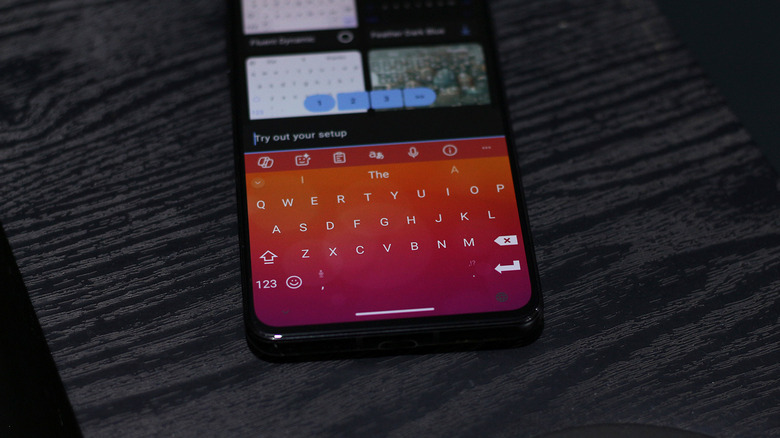
When looking at the numbers, Gboard supports more than 900 language varieties, whereas Microsoft SwiftKey provides support for over 700 languages. For 99% of users, this difference is negligible, but for those speaking rare regional dialects, Gboard remains the undisputed king of linguistic diversity. However, for sheer typing speed, many find the Microsoft SwiftKey vs Gboard for predictive typing 2026 debate ends with SwiftKey taking the crown for its aggressive and accurate autocorrect.
The Privacy Champion: FUTO and Open Source Rivals
If your primary concern is keeping your conversations off a corporate server, the landscape of privacy-friendly keyboard apps has never been better. Leading the pack is FUTO Keyboard, a breath of fresh air for those who want modern features without the data harvesting.
Unlike mainstream options that rely on cloud-based processing, FUTO Keyboard uses local data processing to handle gesture typing and auto-correction. It utilizes a highly optimized on-device machine learning model that runs entirely offline. This means your sensitive text and personal identifiers never leave the hardware, effectively eliminating the risk of user data telemetry being used for personalized advertising.
FUTO is widely considered the best on-device AI keyboard for Android privacy because it provides the "smart" features we expect—like voice-to-text and swipe typing—without requiring an internet connection. In my hands-on time, the haptic feedback and response times were indistinguishable from Gboard, thanks to the efficiency of its local transformer models.
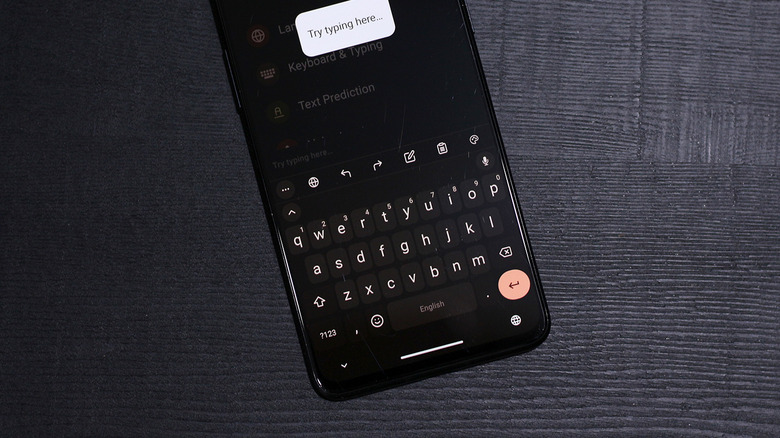
Other best open source Gboard alternatives for Android include OpenBoard and AnySoftKeyboard. These are lightweight minimalist keyboard apps for Android that strip away the bloat. They do not have the fancy AI predictors of SwiftKey, but they are transparent, customizable, and remarkably stable. They are the "digital detox" of the keyboard world.
Best For: Privacy advocates, whistleblowers, and anyone tired of their keyboard asking for internet permissions. Not For: Users who rely heavily on cloud-syncing their personal dictionary across five different devices.
Niche Innovators: Typewise, Grammarly, and Multilingual Support
Beyond the giants, several niche players are solving specific pain points that Gboard often ignores. One of the most radical departures from tradition is Typewise. Instead of the standard QWERTY layout, it uses a hexagonal grid with 70% larger keys. It claims to result in an 80% reduction in typos. While the learning curve is steep, the payoff for high-speed typists on large-screen devices is massive.
For the professional crowd, Grammarly remains a top contender for the best keyboards for Android. It isn't just a keyboard; it is a real-time editor. If your job involves sending high-stakes messages from your phone, the peace of mind provided by its grammar and tone checker is invaluable.
If you are a polyglot, you should look into CleverType. While Gboard is good at switching languages, CleverType is often cited as one of the best multilingual keyboard apps for seamless language switching because it integrates GPT-4o powered real-time translation and grammar checks across over 100 languages. It feels more like a dedicated translation tool that happens to be a keyboard.
Editor's Tip: If you find yourself constantly correcting Gboard's "corrections," try a keyboard with a different auto-correction accuracy logic. Typewise and SwiftKey both use vastly different algorithms that might better suit your specific thumb-pathing style.
Technical Benchmarks: Performance on 2026 Hardware
With the arrival of the Snapdragon 8 Gen 4 and Google's own Tensor G5, the hardware overhead for keyboards has shifted. We no longer need the cloud to do the heavy lifting for a predictive text engine. Modern chips can run small-scale transformer models locally with a power draw that is virtually unnoticeable.
| Metric | Gboard | Microsoft SwiftKey | FUTO Keyboard |
|---|---|---|---|
| Input Latency | ~22ms | ~25ms | <18ms |
| Cloud Dependency | High (for advanced AI) | Medium | Zero (Offline) |
| Privacy Audit | Common Sense: Moderate | Moderate | High (FOSS-based) |
| Battery Impact | Low | Moderate | Very Low |
| On-Device AI | Hybrid | Hybrid | Full Local |
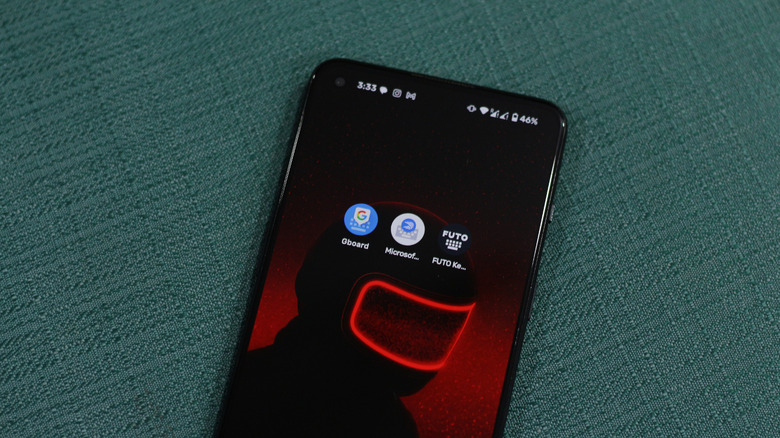
Choosing the right alternative depends on whether you prioritize Microsoft's ecosystem, FUTO's privacy, or Gboard's familiarity. In 2026, the best keyboards for Android are the ones that respect your battery life and your data. While Gboard's hybrid model is convenient, the specialized performance of FUTO's local data processing or SwiftKey's adaptive learning offers a more tailored experience for the modern power user.
FAQ
What are the best keyboard alternatives for Android?
In 2026, the top Gboard alternatives are Microsoft SwiftKey for productivity, FUTO Keyboard for privacy, and Typewise for typing accuracy. Each offers a distinct advantage depending on whether you value AI features, data security, or physical layout efficiency.
Which keyboard app offers the best privacy features?
FUTO Keyboard is currently the leader among privacy-friendly keyboard apps. It operates 100% offline, meaning all auto-correction and voice input models run on your device without sending any data to a remote server.
Are third-party keyboards safe for entering sensitive data?
Generally, yes, provided you choose reputable developers or open-source options. Apps like FUTO Keyboard or OpenBoard are designed specifically to keep sensitive data local. However, you should always be cautious with apps that require unnecessary internet permissions.
What is the best free alternative to Gboard?
Microsoft SwiftKey is the best free alternative for general users who want a feature-rich experience. For those who prefer open-source software, OpenBoard is an excellent, free, and lightweight minimalist keyboard apps for Android choice.
Which keyboard app has the most accurate autocorrect?
Microsoft SwiftKey is widely praised for its predictive text engine, which learns from your specific typing habits over time. Alternatively, Typewise offers a hexagonal layout that physically reduces the chance of hitting the wrong key.
Are there any high-quality open-source keyboard apps?
Yes, OpenBoard, AnySoftKeyboard, and FUTO Keyboard are high-quality open-source options. These apps allow developers to audit the code, ensuring there is no hidden user data telemetry or malicious tracking.