Quick Facts
- Top Video Scaler: RetroTINK-4K Pro for native 4K output with professional-grade signal processing.
- Storage Ratio: A single 1GB SD card replaces over 122,000 original PlayStation save blocks.
- Latency Gold Standard: 2.4GHz wireless technology offers 3-5ms of lag compared to 12-16ms for standard Bluetooth.
- Controller Innovation: Hall Effect sensors in modern retro pads eliminate stick drift and provide lifetime durability.
- Market Growth: The global retro gaming market is projected to hit a valuation of $4.18 billion in 2026.
- Player Base: Over 26 million Americans now actively participate in the retro gaming hobby.
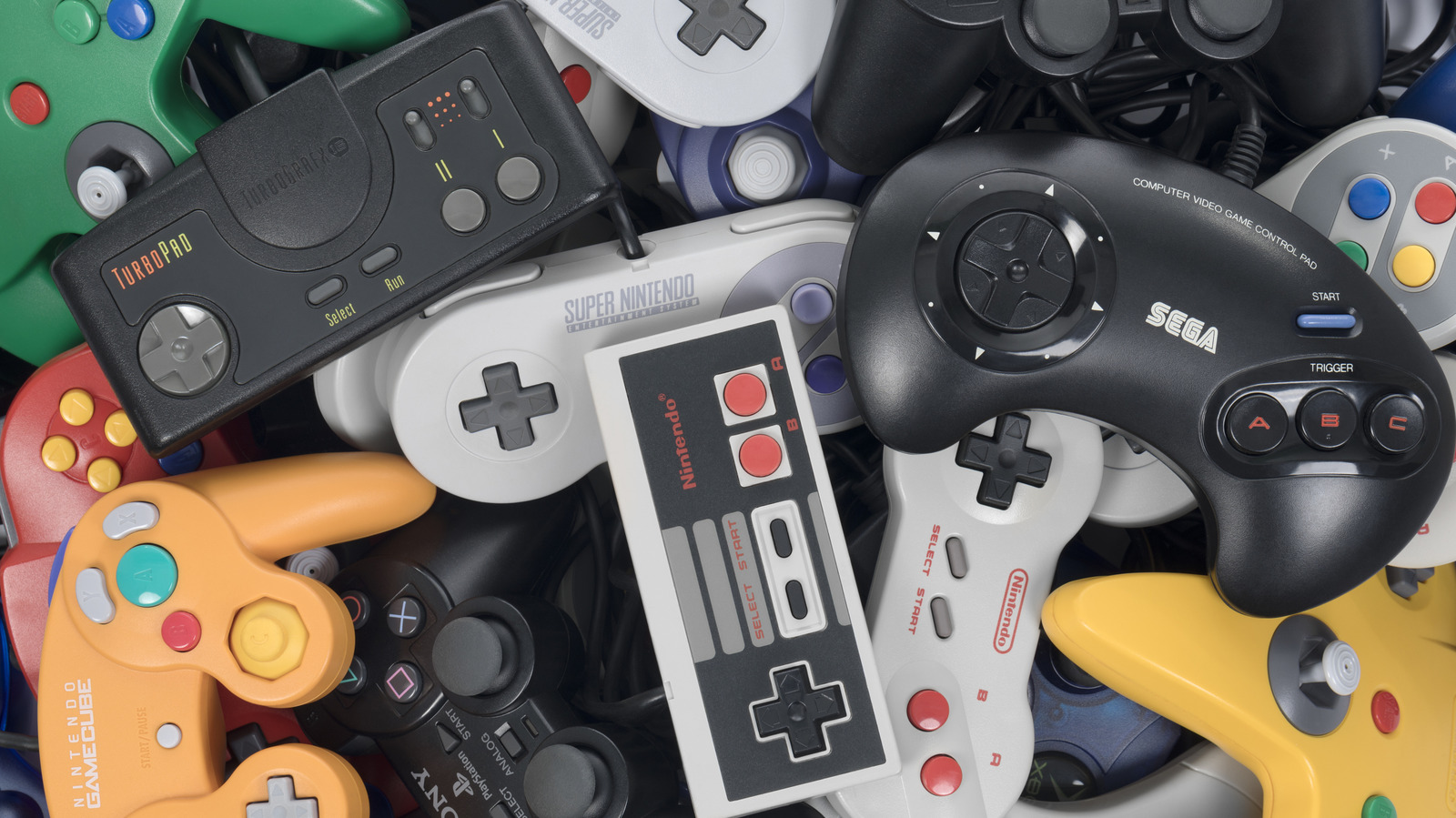
Modernizing a retro gaming setup involves upgrading video output, controller connectivity, and save storage. Essential retro gaming accessories like HDMI upscalers and wireless adapters preserve original hardware while adding modern quality-of-life improvements. By bridging the gap between analog technology and 4K displays, these tools ensure that vintage titles look and feel as responsive as contemporary releases.
High-End Video Processors: Bridging the 4K Gap
If you have tried plugging a Nintendo 64 or a Sega Genesis directly into a modern smart TV, you have likely seen the results: a blurry, washed-out image filled with visual artifacts and agonizing input lag. This happens because modern displays are designed for digital signals, while older consoles output analog signals that TVs struggle to interpret. To fix this, you need dedicated retro console hdmi scalers that treat the original signal with the respect it deserves.
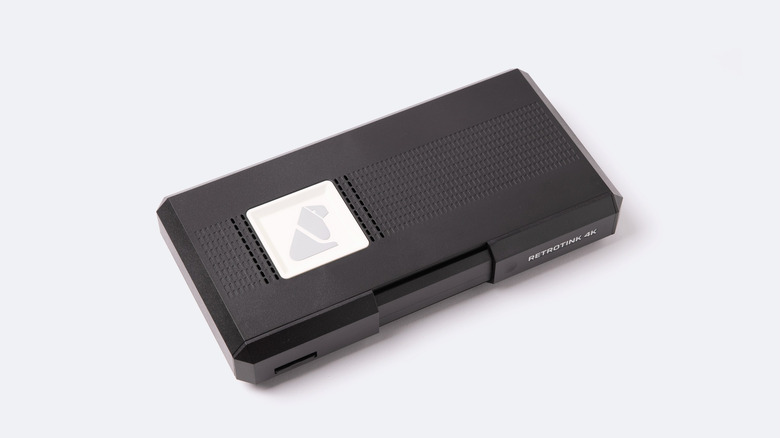
The current pinnacle of this technology is FPGA-based scaling. Unlike cheap $20 converters found on mass-market sites, high-end video processors like the RetroTINK-4K enable legacy game consoles to output 4K resolution signals with low input lag on contemporary television sets. These devices use digital signal processing to replicate the look of old CRT monitors through scanline overlays and precise aspect ratio control.
Visual Quality: Before vs. After
- Before (Direct Connection): Muddy 480i resolution, incorrect 16:9 stretching, significant motion blur, and 50ms+ of display lag.
- After (With RetroTINK-4K): Crisp pixel-perfect 4K output, forced 4:3 aspect ratio, authentic CRT scanline filters, and sub-frame latency.
The result is a transformative experience. Using the best hdmi upscalers for vintage game consoles 2026 means your childhood favorites look better than you remember them, with colors that pop and edges that remain sharp even on an 85-inch OLED.
Low-Latency Wireless Adapters: Modern Controls on Original Ports
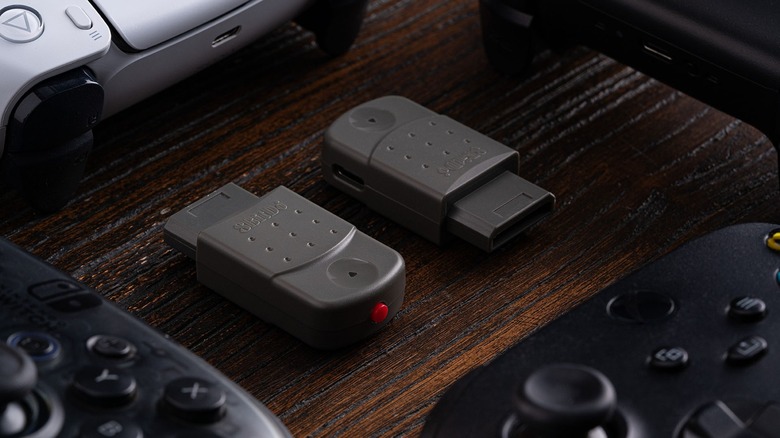
One of the biggest hurdles to a comfortable retro session is the short, proprietary cables of the 90s. Sitting three feet away from a 65-inch television is not ideal. This is where wireless retro controller adapters come into play. Brands like 8BitDo have revolutionized the space by creating plug-and-play receivers that insert directly into original console ports.
These adapters allow you to use your favorite modern gamepads, such as the PS5 DualSense or Xbox Series controllers, on your original hardware via simple bluetooth pairing. However, for the most competitive experience, many enthusiasts are moving toward 2.4GHz proprietary connections which offer a mechanical tactile feel and significantly less interference than standard Bluetooth.
Latency Tier List
| Connection Type | Average Latency | Recommended Use |
|---|---|---|
| Original Wired | 0-1ms | Purists and speedrunners |
| 2.4GHz Wireless | 3-5ms | Best balance of comfort and speed |
| Modern Bluetooth | 12-16ms | Casual play and RPGs |
If you are looking for low latency video processors for retro gaming on smart tvs, you should pair them with these fast wireless solutions to ensure your button presses feel instantaneous.
SD-Based Storage: Moving Beyond 1MB Memory Cards
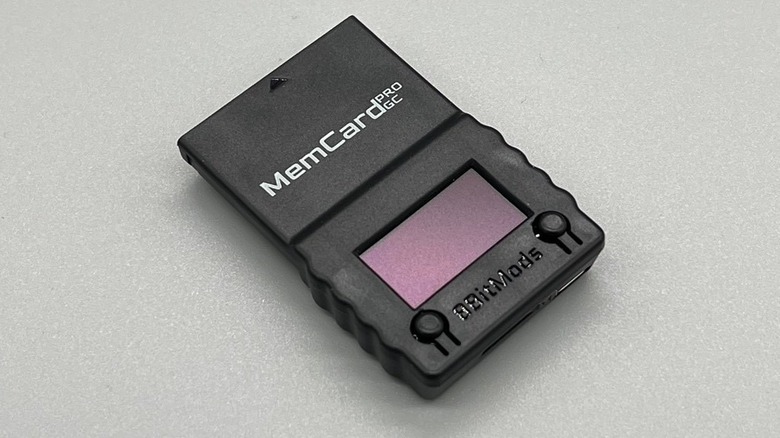
The days of managing multiple 1MB memory cards—and worrying about their internal batteries dying—are over. Modern retro game save storage solutions now leverage microSD compatibility to provide virtually infinite space. Devices like the MemCard Pro for the PlayStation 1 and 2 allow players to store thousands of virtual memory cards on a single card.
Storage Capacity: Before vs. After
- Legacy Memory Card: 15 blocks (approx. 128KB to 1MB total). Required physical swapping and labeling.
- MemCard Pro (SD): 122,880 blocks per GB. Automatic card switching based on the game loaded and cloud backup support.
This is a massive quality of life improvement for hardware preservation. Instead of losing your 100-hour Final Fantasy VII save to a corrupted 25-year-old chip, you can now back up your entire history to a PC or cloud drive. Searching for retro game memory card alternatives with sd storage is the first thing I recommend to any serious collector.
Hardware-Level Accuracy: The FPGA Revolution
While software emulation on PCs or "mini" consoles is popular, it often lacks the cycle-accurate feel of original hardware. The latest trend in retro gaming accessories is the move toward FPGA (Field Programmable Gate Array) technology. This doesn't just emulate the game; it re-implements the original console's circuitry at a hardware level.
For those upgrading sega saturn and n64 with modern controllers, dedicated FPGA consoles like the Analogue 3D are changing the game. These systems offer native 4K output and original controller ports, effectively building a modern bridge for your vintage cartridges.
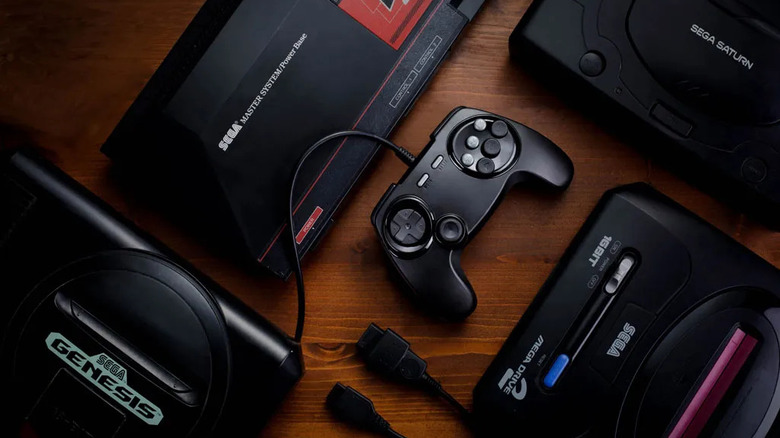
Beyond the consoles themselves, we are seeing a surge in modernizing retro game controllers for better ergonomics. Companies like Retro Fighters have redesigned the awkward "M-shaped" N64 controller into a modern dual-analog layout that features hall effect sticks. These sticks use magnets instead of physical contact, meaning they will never develop the "drift" that plagues original Nintendo hardware. This combination of hardware-level accuracy and modern comfort is essential for building a modern retro gaming setup.
According to industry data, the global retro gaming console market reached a valuation of $3.8 billion in 2025 and is projected to increase to $4.18 billion in 2026. This growth is driven by gamers who want the authentic feel of original software but demand the convenience of modern displays. Currently, approximately 26.7 million Americans actively participate in retro gaming, proving that nostalgia is a permanent fixture in the entertainment landscape.
FAQ
What are the best accessories for retro gaming?
The most essential upgrades include an FPGA-based upscaler like the RetroTINK-4K for video, a wireless receiver from 8BitDo for modern controller support, and an SD-based memory card solution like the MemCard Pro for data safety. These tools provide the biggest jump in quality of life for any classic console owner.
How do I connect old consoles to a modern TV?
To connect old consoles to 4K TVs without significant input lag, use a dedicated hardware upscaler. These devices convert analog RGB or component signals into a digital 4K signal that modern TVs can display instantly. Avoid cheap composite-to-HDMI adapters, as they often introduce lag and poor image quality.
How can I improve the picture quality of old games?
The best way to improve picture quality is to use high-quality cables (SCART or Component) paired with a video processor that supports scanline overlays. Scanlines fill in the gaps between the pixels, which mimics the way the games were intended to look on old CRT monitors, making the image look sharper and more natural.
Are there wireless controllers available for original retro consoles?
Yes, there are two main ways to go wireless. You can use a retro receiver adapter that plugs into the original port and pairs with any Bluetooth controller, or you can buy a dedicated wireless controller like those from Retro Fighters or 8BitDo that include their own 2.4GHz dongles for even lower latency.
Do I need an upscaler for retro gaming?
If you are playing on a modern flat-screen TV, an upscaler is highly recommended. Modern TVs are not built to handle the low-resolution 240p or 480i signals from legacy consoles, often resulting in a 50-100ms delay in your inputs and a very blurry picture. An upscaler resolves both the visual and performance issues.