Quick Facts
- Status: Official 2026 Rollout
- Frequency: Once every 12 months
- Lifetime Limit: 3 changes maximum
- Data Retention: 100% (Photos, Drive, Messages, Google One)
- Cost: Free for personal accounts
- Platform Availability: Desktop web, Android, and iOS
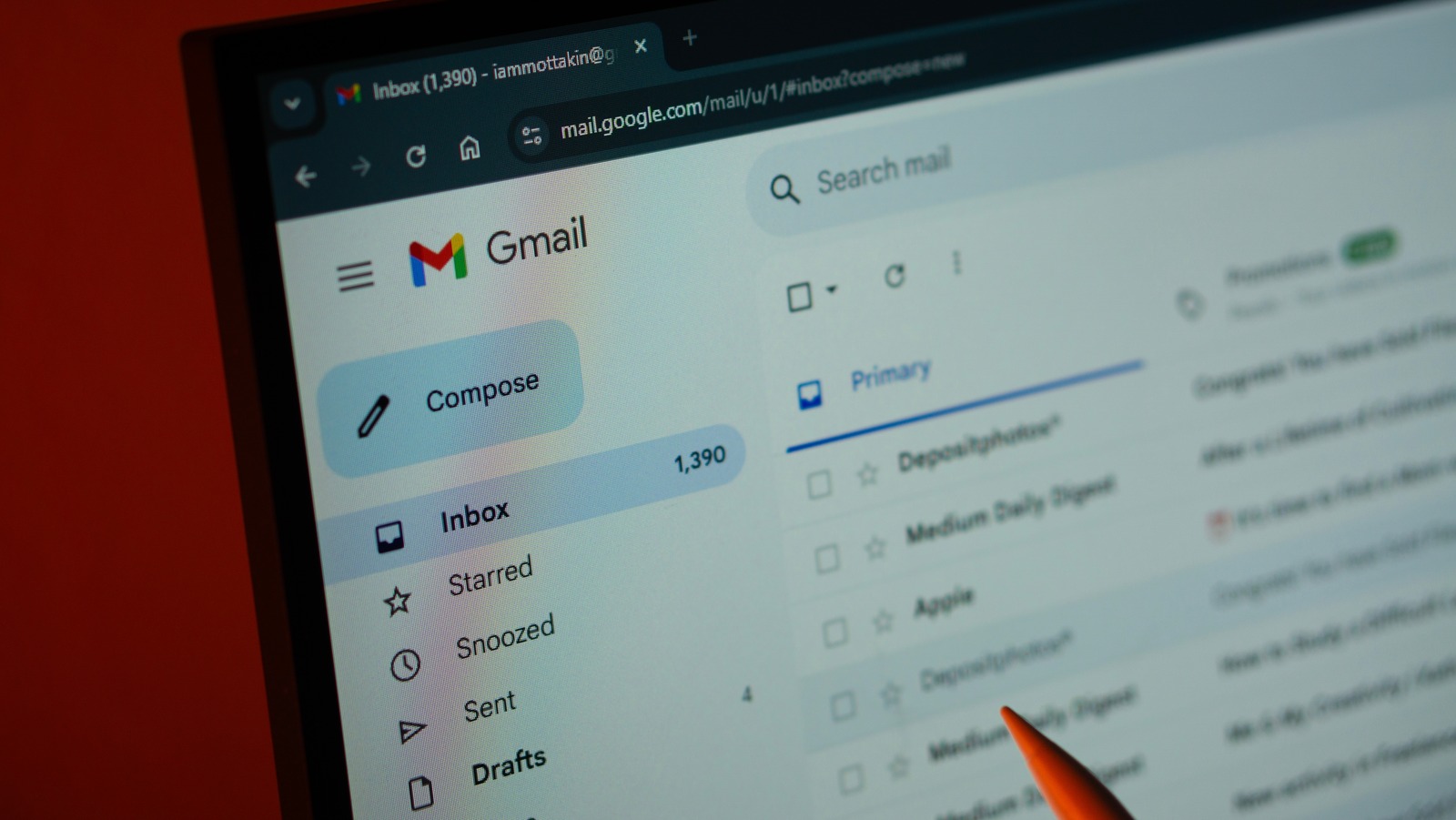
To change your Gmail address, log in to your Google Account and navigate to the Personal Info tab in settings. Under the Email section, select Google Account email to see if you can replace your existing address with a new @gmail.com handle. On mobile, this option is located within the Manage Your Google Account menu in the Gmail app settings. When you update your Gmail address, your original handle automatically becomes an alias, ensuring you still receive emails sent to the old address while all existing data remains intact.
The 2026 Gmail Update: Why It Matters
We have all been there. You are applying for a dream job or sending a high-stakes pitch, but you are still stuck using the handle you created in middle school. Whether it was a reference to a forgotten hobby or just a string of random numbers, those legacy handles often feel like a digital weight. For years, the only real solution was to create an entirely new account and deal with the headache of migrating years of Google ecosystem data, or setting up complex forwarding rules that never felt quite right.
The latest 2026 update from Google changes this narrative entirely. It acknowledges that our digital identity refresh is a necessary part of professional growth. According to a survey of over 3,400 global professionals, 93% of respondents admit to having committed a faux pas in workplace emails. While typos are common, many of those surveyed noted that their actual email address felt unprofessional for their current career stage.
By allowing users to change gmail address handles directly, Google is finally bridging the gap between our past selves and our current professional branding. This is especially critical when switching professional gmail address for job applications, where first impressions are formed in milliseconds. Research from the Psychology of Human Error report indicates that 40% of employees have sent a work email to the wrong person in the last 12 months, a mistake that has led to nearly one-third of businesses losing a client. Having a clear, professional identity helps mitigate these errors by ensuring both the sender and receiver are confident in the digital exchange.
Technical Guardrails: Rules and Restrictions
Before you rush to rename gmail account details, it is important to understand the technical boundaries Google has established. This is not a feature designed for weekly changes; it is a tool for long-term identity management. Google has implemented a strict annual limit policy to maintain account stability and prevent spam-related abuse of the system.
The most significant restriction is the 12-month cooldown period. Once you update gmail username settings, you are locked into that new handle for a full calendar year. Furthermore, Google has introduced a lifetime limit of three total changes for the primary email username. This means you should choose your new handle carefully, keeping future branding and personal growth in mind.
It is also worth noting that this feature currently applies primarily to personal @gmail.com accounts. If you are using a managed Google Workspace account through your employer or school, these options may be restricted by your administrator. For the average user, however, this update ensures data persistence across the entire account. Your YouTube subscriptions, Google Play purchases, and Google Maps history remain tethered to your account, regardless of the handle change.
How to Change Your Gmail Address on Desktop
If you are working from a laptop or desktop, the process is straightforward but requires navigating through a few layers of security settings. Because this change impacts your entire digital identity, Google will likely ask you to re-authenticate your password or use a passkey during the process.
To get started, follow these steps:
- Open your preferred web browser and go to your Google Account homepage.
- Click on the Personal Info tab located in the left-hand navigation menu.
- Scroll down to the Contact Info section and click on Email.
- Look for the Google Account email section. If your account is eligible for the update, you will see an option to edit or replace old gmail address with new one but keep data.
- Enter your desired new handle. The system will perform a real-time check for username availability.
- Once you find an available handle that fits your branding, click Save or Confirm.
The beauty of this system is account history retention. Unlike the old method of starting from scratch, your labels, filters, and even your "Starred" messages move over instantly. You are effectively performing a digital identity refresh without the manual labor of a migration.
Updating Your Gmail Handle via the Android & iOS App
For many of us, our smartphones are our primary productivity hubs. Google has made sure that the option to change gmail address handles is fully integrated into the mobile app experience. This is particularly useful for users who manage their professional lives on the go.
The mobile interface is designed for speed, but the same security protocols apply. Here is the path to follow:
- Launch the Gmail app on your Android or iOS device.
- Tap your Profile Icon in the top right corner of the screen.
- Select Manage Your Google Account.
- Navigate to the Personal Info tab at the top of the screen.
- Scroll to Email and tap into the Google Account email menu.
- Select the option to change primary gmail email address on android app and follow the on-screen prompts to verify your identity.
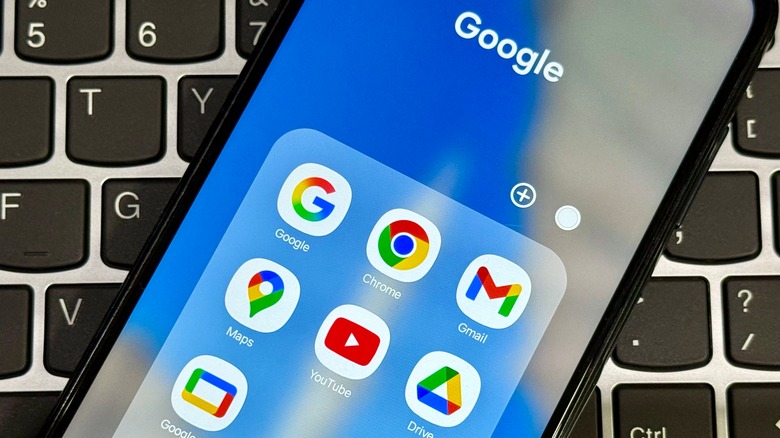
When you make this change on mobile, you might notice a brief synchronization lag. Your phone might prompt you to sign back into other Google apps like Maps or Drive to confirm the new credentials. This is a normal part of the service authentication process and ensures that your data remains secure across your entire device.
Old Method vs. New Method: What Has Changed?
To truly appreciate this update, we have to look at how we used to handle this problem. The comparison below highlights why the 2026 update is a genuine game changer for user experience.
| Feature | Old Method (Forwarding/New Account) | New Method (2026 Address Change) |
|---|---|---|
| Data Migration | Manual and often incomplete | 100% Automatic and instant |
| App Logins | Must update every app manually | Seamless transition for Google apps |
| Old Email | Requires manual forwarding setup | Automatically becomes an alias |
| Storage | Google One storage is not shared | Google One storage stays the same |
| Ease of Use | High effort/Time-consuming | Low effort/Single setting change |
What Happens After the Change? (The Post-Update Checklist)
Once you hit that confirm button, several things happen in the background. Understanding these "invisible" changes will help you manage your inbox more effectively.
First and foremost, your previous address does not disappear into the void. This is the most crucial part of the gmail address alias guide: your old handle is automatically converted into an alias. This means that if an old contact or a legacy service sends an email to your former address, it will still arrive in your primary inbox. You don't need to worry about missing important bank statements or newsletters that you haven't updated yet.
However, there is a post-migration checklist you should follow to ensure everything runs smoothly:
- Service Authentication: While Google services sync automatically, third-party apps like Netflix, Amazon, or Spotify that use your email as a login will likely require a manual update. You can still log in using the old address in many cases, but for security, it is best to update your profile settings in those apps.
- Third-party Apps: Check any apps where you have "Signed in with Google." Most will transition fine, but some may require you to re-link the account.
- Email Signatures: Don't forget to update your professional signature to reflect your new, polished handle.
- Notification Check: You may receive several security alerts on your recovery phone number or secondary email. This is normal and is part of Google's effort to ensure your account hasn't been hijacked.
Using old gmail address as alias after update functionality ensures that you have a safety net. You get the benefit of a fresh start without the fear of being disconnected from your digital history.
FAQ
Can you change your Gmail address without creating a new account?
Yes, with the 2026 update, you can change your primary handle directly within your existing account settings. This allows you to how to change gmail address without creating new account while keeping all your emails, photos, and settings in one place.
Can I change the primary email address on my Google account?
Yes, the new update allows users to change the primary email address on their personal Google accounts, provided they have not exceeded the 12-month frequency limit or the three-change lifetime limit.
How do I change my Gmail address on a mobile device?
You can change your handle by opening the Gmail app, tapping your profile icon, selecting Manage Your Google Account, and navigating to the Personal Info tab to update your email settings.
How to transfer emails from one Gmail account to another?
While the new address change feature makes transferring unnecessary for most, you can still use the Import Mail and Contacts feature in Gmail settings if you are moving data from a completely separate, non-Google account.
How do I redirect emails to a new address?
The 2026 update handles this automatically. When you change gmail address handles, your old address becomes an alias that redirects all incoming mail to your new primary inbox without any manual configuration.
The shift toward a more flexible digital identity is a welcome change in an era where our online presence is as important as our physical one. By removing the technical barriers to a professional handle, Google is making it easier for users to grow and evolve without losing a decade of digital memories. Whether you are launching a new career or simply cleaning up a relic of your teenage years, this update provides the tools to do so with confidence.